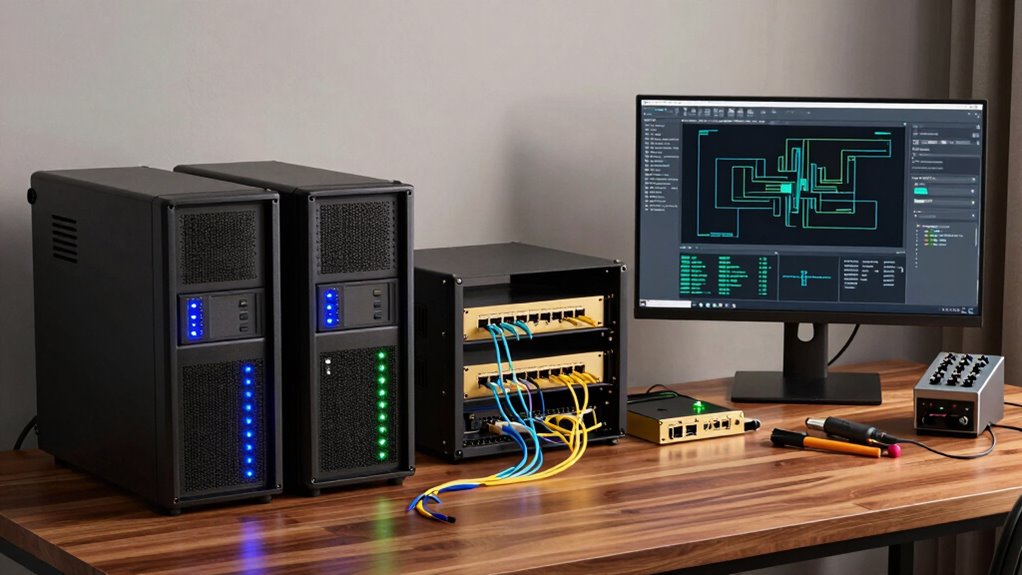

Before building a home lab with premium gear, you should understand key concepts like cloud security, virtualization, and hardware selection to guarantee your setup remains secure and scalable. Focus on securing your data with encryption, managing access controls, and isolating networks through segmentation. Familiarize yourself with hypervisors, hardware compatibility, and network infrastructure. Mastering these fundamentals will help you create an efficient, safe environment that can handle complex scenarios—so you can explore more advanced configurations confidently.

Get privacy and security gear delivered free with Prime
- Fast, free delivery on millions of items
- Prime Video, Amazon Music and more included
- Member-only deals all year
Key Takeaways
- Assess your specific goals and required workloads to select appropriate hardware and virtualization tools.
- Understand network design principles, including segmentation and security practices, to protect your environment.
- Ensure hardware compatibility and scalability to support future expansion and complex configurations.
- Prioritize security measures like encryption, access controls, and cloud security principles for data safety.
- Plan resource allocation and management strategies to optimize performance and prevent bottlenecks.
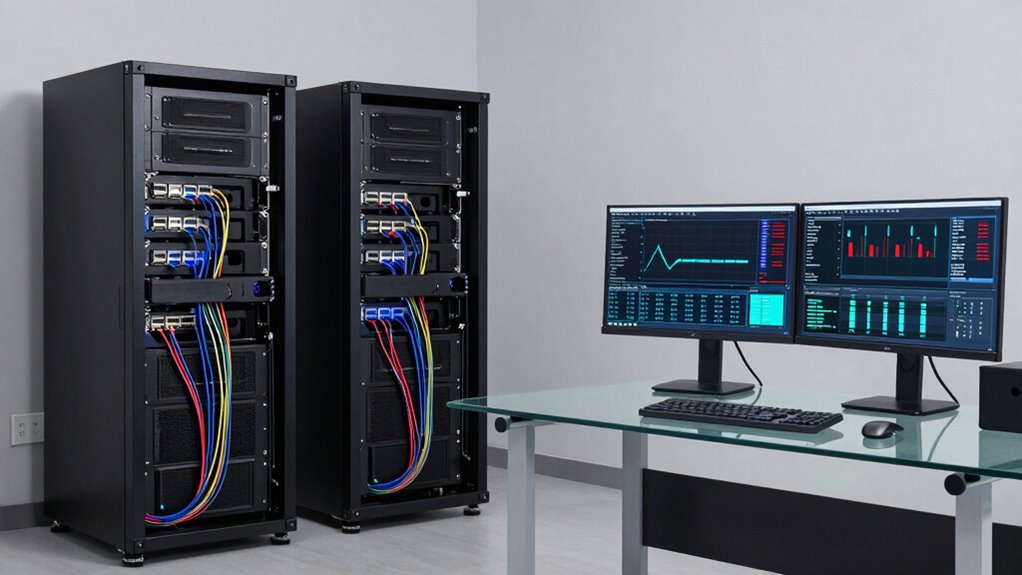
Creating a home lab with premium gear allows you to gain hands-on experience and deepen your understanding of networking, servers, and virtualization. Before diving into building your setup, it’s essential to grasp the importance of cloud security. As you experiment with cloud integrations or simulate cloud environments, protecting your data and infrastructure becomes paramount. You need to understand how to secure virtual machines, manage access controls, and implement encryption to prevent unauthorized breaches. Recognizing potential vulnerabilities and applying best practices will guarantee your home lab remains a safe environment for learning and testing.
Building a secure home lab is essential for safe, effective hands-on networking and virtualization practice.
Hardware virtualization forms the backbone of most home labs, enabling you to run multiple operating systems on a single physical machine. It’s imperative to understand how virtualization hypervisors work, such as VMware ESXi, Proxmox, or Hyper-V. These tools allow you to create isolated virtual environments, which mimic real-world server setups without requiring multiple physical servers. By mastering hardware virtualization, you can efficiently allocate resources, snapshot configurations for quick recovery, and test various network scenarios. This knowledge helps you optimize your hardware investment, making sure you get the most out of your premium gear. Additionally, understanding the capabilities of virtualization hardware ensures you select components that fully support your intended virtual environments, maximizing performance and stability.
When selecting your premium hardware, consider the compatibility and scalability of components. High-performance CPUs, ample RAM, and fast storage options are essential for supporting multiple virtual machines and complex network simulations. You’ll also want robust networking hardware, like managed switches and enterprise-grade routers, to accurately replicate real-world environments. Understanding your hardware’s capabilities helps you avoid bottlenecks and guarantees your virtualized setup remains responsive and reliable. It’s also beneficial to familiarize yourself with network segmentation and security practices to effectively isolate and protect different parts of your network.
Additionally, it’s important to familiarize yourself with network segmentation and security practices within your home lab. Properly isolating different virtual networks prevents potential vulnerabilities from spreading and allows you to test security configurations thoroughly. As you build, keep in mind that your home environment isn’t just for learning—it’s also a testbed for real-world scenarios involving cloud security measures, firewall rules, and intrusion detection systems.
In essence, before building your premium gear home lab, you need a solid grasp of cloud security principles and hardware virtualization techniques. This knowledge guarantees that your setup is not only powerful but also secure and efficient. With a clear understanding, you can design a versatile environment that enhances your skills, prepares you for industry challenges, and keeps your data safe even in a simulated cloud or networked landscape.
Products Worth Considering

Jackery Solar Generator 1000 V2 with 200W Solar Panel

Samsung 27 Odyssey OLED G5 (G50SF) QHD QD-OLED Gaming Monitor

Amazon Kindle Scribe Colorsoft 64GB (1st Generation)
As an affiliate, we earn on qualifying purchases.
Frequently Asked Questions
How Much Does a Premium Home Lab Typically Cost?
A premium home lab typically costs between $2,000 and $10,000, depending on your goals. You should focus on budget planning early to cover high-end servers, networking gear, and storage solutions. Confirm equipment compatibility to avoid unexpected expenses or upgrades later. Factors like the number of devices, brands, and features influence the total cost. Investing wisely helps create a powerful, reliable lab without overspending.
What Are the Best Brands for High-End Home Lab Equipment?
Think of choosing home lab brands like selecting the sturdy foundation for a castle. Brands like Cisco, Juniper, and Ubiquiti stand out for their equipment durability and reliable performance. Cisco offers top-tier switches and routers, Juniper provides advanced network solutions, and Ubiquiti delivers user-friendly, high-quality gear. Comparing these brands helps you make an informed decision, ensuring your lab’s infrastructure remains robust and resilient over time.
How Much Space Is Needed for a Premium Home Lab Setup?
You’ll need at least a dedicated, climate-controlled room or spacious area for your premium home lab setup. Consider storage options like racks or cabinets to organize your gear efficiently. Plan your network topology carefully, ensuring enough space for switches, servers, and cables without clutter. Adequate space allows for proper airflow, maintenance, and future expansion, making your high-end lab both functional and scalable.
What Are the Power and Cooling Requirements for Such a Lab?
For a premium home lab, guarantee your power supply can handle high energy demands, prioritizing energy efficiency to reduce costs. You’ll also need robust cooling solutions to manage heat output and maintain ideal performance. Noise management is vital, so consider quiet fans or soundproofing to prevent disruptions. Proper ventilation and power distribution are necessary for safety, efficiency, and maintaining a stable environment that supports your advanced gear.
Is Prior Technical Experience Necessary to Operate Premium Gear?
You don’t need to be a tech wizard to operate premium gear, but some prior technical experience helps you avoid beginner challenges. Think of it as having a map on a journey—you’ll navigate smoother. While technical prerequisites aren’t massive, understanding networking, hardware setup, and troubleshooting makes your experience more rewarding. With patience and curiosity, you can master it, turning those initial hurdles into valuable skills.
Conclusion
Building a home lab with premium gear can boost your skills and open doors to new opportunities. Did you know that 78% of IT professionals who invest in high-quality equipment report faster learning curves and better job prospects? Before diving in, remember to plan your budget and goals carefully. With the right setup, you’ll turn your home into a powerful learning environment, giving you a competitive edge in the tech world.