
Setting up a home lab for cybersecurity learning is a smart move. You’ll need a decent computer with enough RAM and storage to handle virtualization tools like VMware or VirtualBox. By creating isolated network segments, you can test different operating systems and cybersecurity tools without risking your primary network. Keep a lab journal to track your experiments and progress. If you explore more, you’ll uncover tips on integrating advanced tools and techniques to enhance your skills.
Key Takeaways
- Ensure your hardware meets the requirements for virtualization and can support multiple operating systems for effective cybersecurity learning.
- Utilize virtualization software like VMware Workstation or Oracle VirtualBox to create and manage multiple virtual machines safely.
- Segment your home lab network to isolate environments, ensuring security and preventing issues from affecting the entire setup.
- Integrate essential cybersecurity tools like Wireshark, Metasploit, and Snort to enhance practical skills and experience in real-world applications.
- Maintain thorough documentation of your lab experiments and configurations to track progress and reinforce learning outcomes.
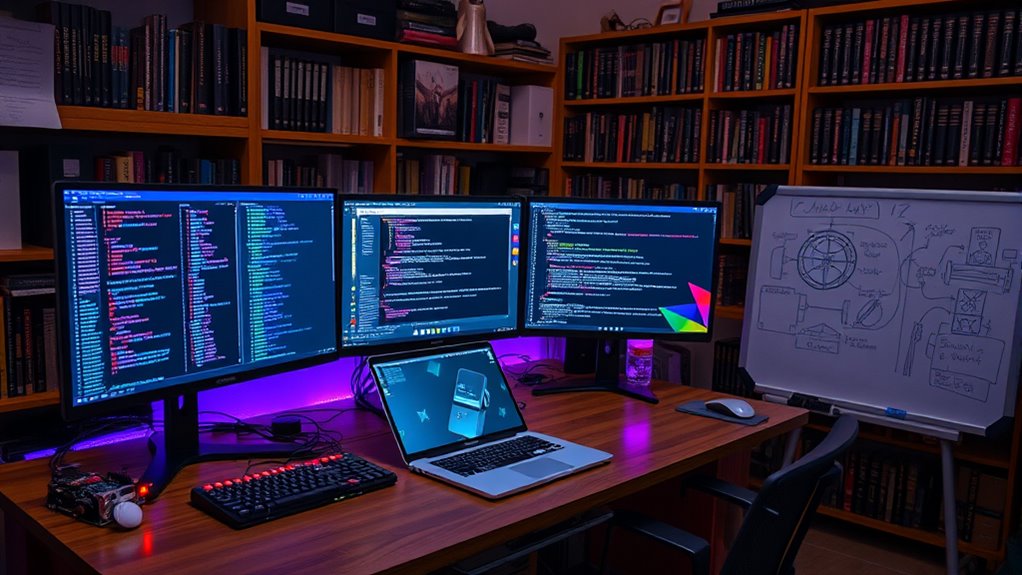
Have you ever wondered how to build your own cybersecurity home lab? Setting up a home lab can be an exciting and educational experience, allowing you to practice and enhance your cybersecurity skills in a safe environment. First, you’ll want to ensure you have the necessary hardware. A decent computer or laptop with ample RAM and storage is essential. If you’re serious about this, consider investing in a dedicated machine, especially if you plan to run multiple operating systems simultaneously.
Building your own cybersecurity home lab can enhance your skills in a safe and engaging way.
Next, let’s talk about virtualization techniques. Virtualization allows you to create multiple virtual machines on a single physical machine. This is fundamental for testing various operating systems and applications without needing a fleet of physical computers. Software like VMware Workstation or Oracle VirtualBox can help you set up these virtual environments. You can install different operating systems, such as Kali Linux for penetration testing or Windows Server for learning about network management. By using virtualization, you can easily spin up and tear down environments as needed, making it a versatile option for your lab.
Once you’ve got your virtual machines set up, you should consider network segmentation. This involves dividing your home lab network into smaller, isolated segments. By doing this, you can control traffic between different parts of your network, which is essential for simulating real-world scenarios. For example, you might segment your penetration testing environment from your more sensitive data storage. This way, if something goes wrong during a test, it won’t affect your entire setup. It’s a valuable practice that mirrors what you’d encounter in professional environments.
You’ll also want to incorporate various cybersecurity tools into your lab. Tools like Wireshark for network analysis, Metasploit for penetration testing, and Snort for intrusion detection can provide hands-on experience with the types of software you’ll encounter in the field. Additionally, consider using top colognes to enhance your personal fragrance while you work, as a pleasant environment can improve concentration and learning.
Lastly, don’t forget to document your experiments and experiences. Keeping a lab journal can help reinforce your learning and allow you to track your progress over time. Whether you’re experimenting with different attack vectors or configuring security measures, documenting your process will serve as a helpful resource.
With the right hardware, virtualization techniques, network segmentation, and tools, you’re well on your way to creating a robust cybersecurity home lab. Embrace the learning journey, and you’ll be amazed at how much you can grow in your cybersecurity skills.
Frequently Asked Questions
What Is the Cost of Setting up a Home Lab?
Setting up a home lab can cost anywhere from a few hundred to several thousand dollars, depending on your budget considerations and hardware costs. If you’re starting small, you might invest in a decent computer and software licenses, which could total around $500. For a more all-encompassing setup, including servers and networking equipment, expect to spend between $1,500 and $3,000. It’s important to plan according to your learning goals and available resources.
Do I Need Advanced Technical Skills to Start?
You don’t need advanced technical skills to start your cybersecurity journey; it’s actually beginner-friendly! While having some basic knowledge helps, you can learn as you go. Familiarize yourself with fundamental concepts and tools, and you’ll find that most resources cater to those with minimal technical prerequisites. Embark on, experiment, and don’t hesitate to seek help from online communities. You’ll build your skills over time and gain confidence in your abilities.
Can I Use Old Hardware for My Lab?
Absolutely, you can use old hardware for your lab. In fact, hardware reuse is a smart way to create a budget-friendly setup. Many outdated computers or laptops can still run virtual machines or lightweight operating systems, making them perfect for your learning process. You’ll save money while gaining hands-on experience. Just make sure the hardware can support the software you want to experiment with, and you’re all set to plunge into cybersecurity!
How Do I Secure My Home Lab From External Threats?
To secure your home lab from external threats, start with network segmentation. Isolate your lab network from your main network to limit exposure. Next, implement strict access controls; use strong passwords and enable two-factor authentication for any devices or accounts. Regularly update software and firmware to patch vulnerabilities. Finally, consider using a firewall to monitor and filter incoming traffic, ensuring only legitimate connections access your lab environment. Stay proactive about security!
What Software Tools Are Essential for Learning Cybersecurity?
To learn cybersecurity effectively, you’ll need essential software tools like network simulation programs, which help you understand traffic patterns and protocols. Tools for vulnerability assessment are also critical, enabling you to identify and manage potential security weaknesses. Popular options include Wireshark for network analysis and Nessus for vulnerability scanning. By using these tools, you’ll gain hands-on experience that’s invaluable in mastering cybersecurity concepts and techniques.
Conclusion
As you power down your home lab, consider the knowledge you’ve gained and the skills you’ve sharpened. But remember, the world of cybersecurity is ever-evolving, and threats lurk just beyond your screen. What you’ve built today could be the foundation for tomorrow’s defense against the unknown. So, are you ready to tackle the next challenge? The journey doesn’t end here; it’s only just begun. Stay curious, stay vigilant, because the digital battleground awaits.