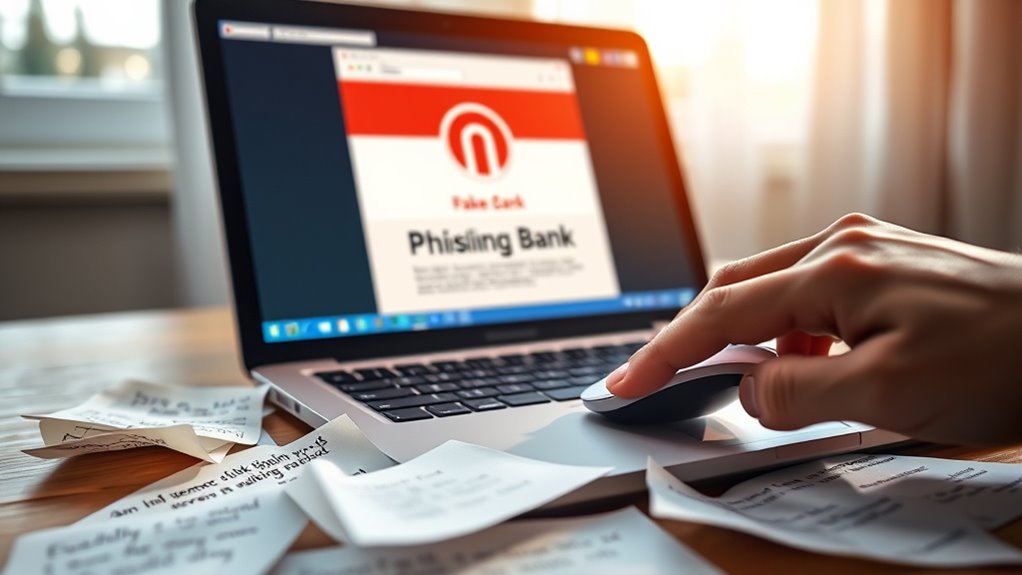

Common online scams include phishing emails, fake online stores, and social media fraud. Always check the sender’s email address and look for spelling mistakes in emails. When shopping online, verify store credibility through reviews and be wary of offers that seem too good to be true. Avoid using public Wi-Fi for sensitive transactions and consider using a VPN for added security. Stay cautious, and you might just uncover even more tips to protect yourself online.

Get privacy and security gear delivered free — and shop member deals
- Fast, free delivery on millions of items
- Access to Prime Big Deal Days deals on October 6–7
- Prime Video, Amazon Music and more included
Key Takeaways
- Be cautious of phishing emails; verify sender addresses and avoid sharing sensitive information via email.
- Check reviews and ensure secure payment options before purchasing from online stores to avoid scams.
- Research social media offers thoroughly; never share personal information in exchange for supposed giveaways or investments.
- Use Virtual Private Networks (VPNs) when accessing public Wi-Fi to secure your data from cybercriminals.
- Stay informed about common scams and trust your instincts; exercise caution when encountering suspicious online activities.
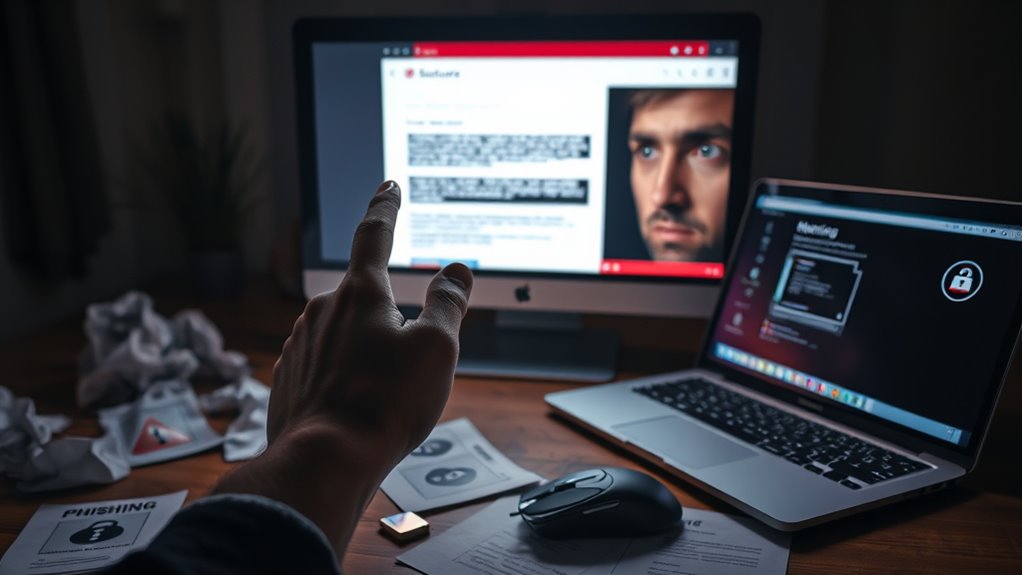
As you navigate the digital world, it’s essential to stay vigilant against common online scams that can catch you off guard. One of the most prevalent threats is phishing emails. These deceptive messages often appear to come from legitimate sources, like banks or popular retailers, making it easy to let your guard down. You might receive an email that prompts you to click on a link or download an attachment. If you do, you risk exposing your personal information or infecting your device with malware. Always scrutinize the sender’s email address, check for spelling mistakes in the message, and be cautious of any urgent calls to action. Remember, legitimate companies won’t ask for sensitive information via email.
Stay vigilant against phishing emails that mimic legitimate sources; they can compromise your personal information and device security.
Another significant threat is fake online stores. With the rise of e-commerce, it’s easier than ever for scammers to create websites that look professional and convincing. You may come across a deal that seems too good to be true, prompting you to input your credit card details without a second thought. Before making any purchase, do your homework. Look for reviews on independent sites to verify the store’s credibility. Check if the website has secure payment options and a clear return policy. If a site lacks basic contact information or has a poorly designed interface, it’s a red flag you shouldn’t ignore.
In addition to phishing emails and fake online stores, you should also watch out for social media scams. Scammers often use platforms like Facebook and Instagram to promote fake giveaways or investment opportunities. You may see posts that promise huge returns on investments or free products in exchange for sharing your information. If you find yourself drawn in by these offers, take a moment to research before engaging. A simple search can reveal whether others have experienced fraud with the same offer.
Lastly, don’t forget about the risks associated with public Wi-Fi networks. Using unsecured Wi-Fi can expose your data to cybercriminals. If you need to access sensitive information, avoid public networks or use a virtual private network (VPN) for added security. Additionally, predictive analytics can help identify patterns of fraud and enhance your awareness of potential scams. By staying informed and cautious, you can protect yourself from these common online scams. Trust your instincts, and when in doubt, it’s always better to err on the side of caution. Your online safety is worth the extra effort.
Frequently Asked Questions
How Can I Report an Online Scam I Encountered?
You can report an online scam by visiting your local consumer protection agency’s website or the Federal Trade Commission (FTC) site. They have clear reporting procedures that guide you through the process. Make sure to gather all evidence, like screenshots and emails, to support your claim. By reporting scams, you’ll help raise scam awareness and protect others from falling victim. Don’t hesitate—your action can make a difference!
What Should I Do if I Fell for a Scam?
If you fell for a scam, act quickly to minimize damage. First, contact your bank or credit card company to report the loss and prevent identity theft. Change your passwords and monitor your accounts closely. You should also file a report with the FTC and local authorities for scam recovery. Consider placing a fraud alert on your credit report to protect yourself further. Don’t hesitate to seek help; you’re not alone in this.
Are There Specific Signs of a Phishing Email?
Yes, there are specific signs of a phishing email. You should look for email indicators like poor grammar, urgent language, and unfamiliar sender addresses. Phishing tactics often involve requests for personal information or links that don’t match the official website. If an email seems suspicious, don’t click any links or download attachments. Instead, verify the sender by contacting them through a trusted method. Always trust your instincts when something feels off.
Can Antivirus Software Prevent Online Scams?
Antivirus software can’t completely prevent online scams, but it markedly boosts your protection. By detecting and blocking malicious sites and phishing attempts, it enhances your antivirus effectiveness. However, you shouldn’t rely solely on it. Utilize additional scam prevention tools like browser extensions and email filters to strengthen your defense. Staying informed about the latest scams and practicing safe browsing habits will also help you avoid falling victim.
How Do I Protect My Personal Information Online?
To protect your personal information online, focus on strong password security and social media privacy. Use unique, complex passwords for every account and change them regularly. Enable two-factor authentication wherever possible. Be cautious about what you share on social media; adjust privacy settings to limit visibility. Avoid clicking on suspicious links and only use secure networks. By staying vigilant and informed, you can considerably reduce the risk of compromising your personal information.
Conclusion
In today’s digital world, staying vigilant against online scams is essential. By recognizing the signs and knowing how to protect yourself, you can navigate the internet more safely. Remember, if something seems too good to be true, it probably is. So, why take chances with your personal information? Equip yourself with knowledge and stay one step ahead of scammers. After all, safeguarding your online presence is just as important as enjoying all the benefits the internet offers!
Halloween Picks
halloween
As an affiliate, we earn on qualifying purchases.