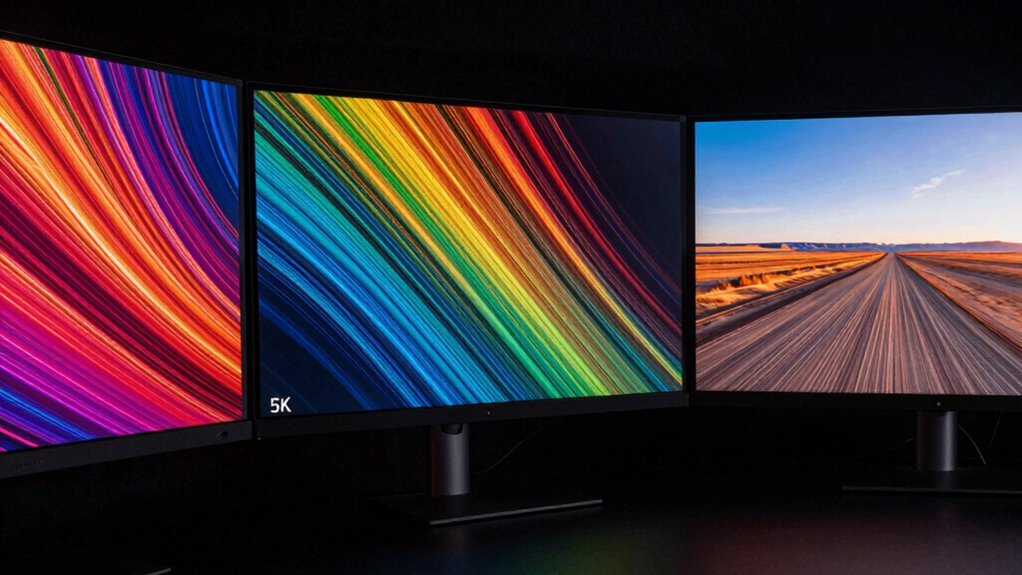

You’ll notice that 4K offers sharp images with a 3840 x 2160 resolution, ideal for gaming and media editing, while 5K provides even finer detail at 5120 x 2880, perfect for high-precision work like photo editing. Ultrawide displays, with aspect ratios like 21:9 or 32:9, expand your horizontal workspace, making multitasking easier. Each type impacts performance and compatibility differently. Keep exploring to understand which display matches your specific needs best.
Key Takeaways
- 4K has a resolution of 3840×2160 pixels, offering a balance of detail and compatibility for most tasks.
- 5K (5120×2880 pixels) provides higher pixel density, ideal for professional editing and high-precision work.
- Ultrawide displays feature aspect ratios like 21:9 or 32:9, emphasizing horizontal workspace and panoramic viewing.
- 5K requires more powerful graphics hardware due to higher resolution, while 4K offers good performance balance.
- Aspect ratio influences content compatibility, with ultrawide screens enhancing multitasking and immersive experiences.
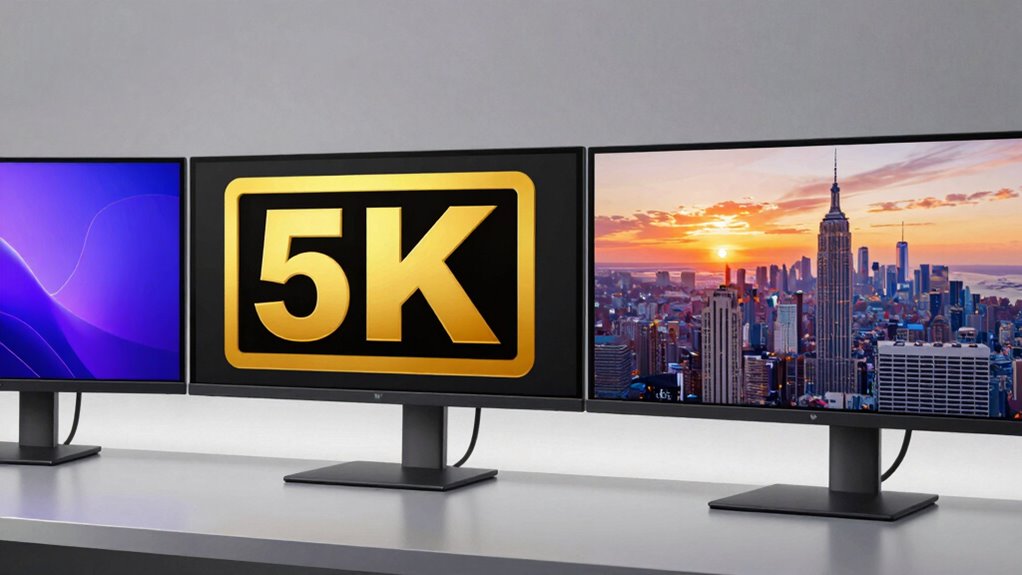
When choosing a display, understanding the differences between 4K, 5K, and ultrawide screens can help you make an informed decision. The key factors to consider are display resolution and aspect ratio, which directly influence how sharp and expansive your screen feels. Display resolution refers to the number of pixels on the screen, with higher resolutions delivering sharper images. On the other hand, aspect ratio describes the proportional relationship between the width and height of the display, shaping the overall viewing experience.
Choosing the right display depends on resolution and aspect ratio, which influence clarity and viewing experience.
A 4K display typically offers a resolution of 3840 x 2160 pixels, providing four times the pixel count of Full HD. This means you get crisp, detailed images, ideal for gaming, media editing, or immersive viewing. The aspect ratio for most 4K screens is 16:9, which is the standard widescreen format, making it compatible with most content and easy to use without letterboxing or black bars. If you’re working with high-resolution videos or want sharp visuals for everyday tasks, 4K offers a great balance of clarity and compatibility.
Moving to 5K displays, such as those with a resolution of 5120 x 2880 pixels, you get even greater detail and clarity. This extra pixel density is especially advantageous for professional tasks like photo editing, 3D modeling, or any work requiring pixel-perfect resolution accuracy. 5K screens usually maintain a 16:9 aspect ratio, but some may have different ratios depending on their design. The higher resolution demands more from your graphics hardware but rewards you with incredibly fine detail and a more immersive workspace, especially on larger screens.
Ultrawide displays, typically with aspect ratios like 21:9 or even 32:9, focus on expanding your horizontal workspace. These screens often have resolutions like 3440 x 1440 pixels or higher, but their defining feature is the wide aspect ratio. This makes them perfect for multitasking, video editing, or gaming, where a broader view enhances productivity and immersion. Since ultrawide screens prioritize width, they sometimes compromise on height resolution, which can affect pixel density compared to 4K or 5K displays. However, their expansive format provides a panoramic experience that standard screens can’t match.
In essence, your choice hinges on what you need from your display. If you want detailed visuals for creative work or media consumption, 4K or 5K are excellent options. If multitasking and an immersive wide view matter most, ultrawide screens are your best bet. Understanding display resolution and aspect ratio helps you match your needs with the right technology, ensuring a satisfying viewing experience tailored to your tasks. Additionally, considering display resolution can help optimize your hardware setup for the best performance and clarity.

Gawfolk 32-inch 4K Ultra HD Computer Monitor, 144Hz Gaming Screen, 1ms, Adaptive Sync, 100% sRGB, 178° Wide Viewing Angle, HDMI 2.1, DisplayPort, Compatible with 100 * 100MM Wall Mount-Black
【Immersive 32-Inch 4K UHD Display】Experience stunning clarity with a 32-inch 4K (3840 x 2160) UHD resolution. Every detail…
As an affiliate, we earn on qualifying purchases.
As an affiliate, we earn on qualifying purchases.
Frequently Asked Questions
How Do These Display Types Affect Gaming Performance?
These display types impact your gaming performance mainly through refresh rates and input lag. Higher refresh rates give you smoother gameplay, especially on ultrawide or 4K screens, but may require powerful hardware. Input lag can increase on larger or higher-resolution displays, affecting your reaction time. Selecting a monitor with a high refresh rate and low input lag guarantees you get the best gaming experience, regardless of whether you pick 4K, 5K, or ultrawide.
Are 5K Monitors Compatible With All Computers?
5K monitors aren’t compatible with all computers because of their high monitor compatibility and connection requirements. To use a 5K display, your computer needs a compatible graphics card and the right ports, like Thunderbolt 3 or DisplayPort 1.4. Before buying, check your system’s specifications and make certain you have the necessary connections. If your hardware isn’t up to date, you might need an upgrade to enjoy a 5K monitor fully.
What Is the Cost Difference Between These Displays?
The cost difference between 4K, 5K, and ultrawide displays varies, with a resolution upgrade generally increasing the price. You’ll find 4K monitors starting around $300, while 5K models can go over $1,000 due to higher resolution and better specs. Ultrawide displays also vary, often costing between $400 and $1,200. A price comparison shows that higher resolution and larger screens tend to raise costs, so consider your needs carefully.
Do Ultrawide Screens Require Special Graphics Cards?
Imagine you’re editing videos on an ultrawide display, and you’ve noticed color inconsistencies. You might need a graphics card that handles display calibration and screen curvature effectively. While many modern GPUs support ultrawide resolutions, high-end models provide better performance for multitasking and gaming. If you’re using a curved ultrawide, make certain your graphics card can handle the unique aspect ratio and resolution, preventing lag and maintaining visual quality.
Which Display Is Best for Professional Photo Editing?
For professional photo editing, a 5K display is your best choice because it offers superior screen resolution and exceptional color accuracy. The higher resolution provides more detail, making editing precise, while accurate colors ensure your images look true-to-life. Ultrawide displays can be helpful for multitasking, but they often lack the color accuracy needed for professional work. Prioritize a monitor with high resolution and excellent color reproduction for ideal results.

ASUS ProArt Display 27” 5K HDR Professional Monitor (PA27JCV) – 5K (5120 x 2880), IPS, 99% DCI-P3, 100% sRGB, ΔE < 2, USB-C PD 96W, Calman Verified, Color Accurate, LuxPixel, 3 yr Warranty
27-inch 5K (5120 x 2880) LED-backlit HDR display with 178° wide-view IPS panel
As an affiliate, we earn on qualifying purchases.
As an affiliate, we earn on qualifying purchases.
Conclusion
Understanding the differences between 4K, 5K, and ultrawide displays can truly elevate your viewing or working experience. Did you know that ultrawide monitors can boost productivity by up to 30% by giving you more screen space? Whether you’re gaming, editing, or multitasking, choosing the right display depends on your needs. So, consider what matters most—resolution, width, or immersion—and pick the one that best fits your lifestyle for a more immersive and efficient experience.

CRUA 34'' Ultrawide Gaming Monitor 120HZ, 21:9 WFHD 2560X1080 IPS Panel Computer Monitors with Built-in Speakers, Support AMD FreeSync, 120% sRGB, DP1.4 & HDMI1.4, Wall Mountable Installs-White
[34nch Ultra-Wide Monitor] Enjoy the expansive 34-inch ultrawide display with a 21:9 aspect ratio, perfect for gaming, streaming,…
As an affiliate, we earn on qualifying purchases.
As an affiliate, we earn on qualifying purchases.

SAMSUNG 49-inch Odyssey G9 (G91F) DQHD, 144Hz, Curved Gaming Monitor, Ultra-Wide 32:9 Screen, DisplayHDR 600, AMD FreeSync™ Premium Pro, Ergonomic Stand, LS49FG910ENXZA, 2025
WRAP YOURSELF IN GREATER DETAIL: Immerse yourself in a panoramic gaming experience with a 1000R curved display. This…
As an affiliate, we earn on qualifying purchases.
As an affiliate, we earn on qualifying purchases.