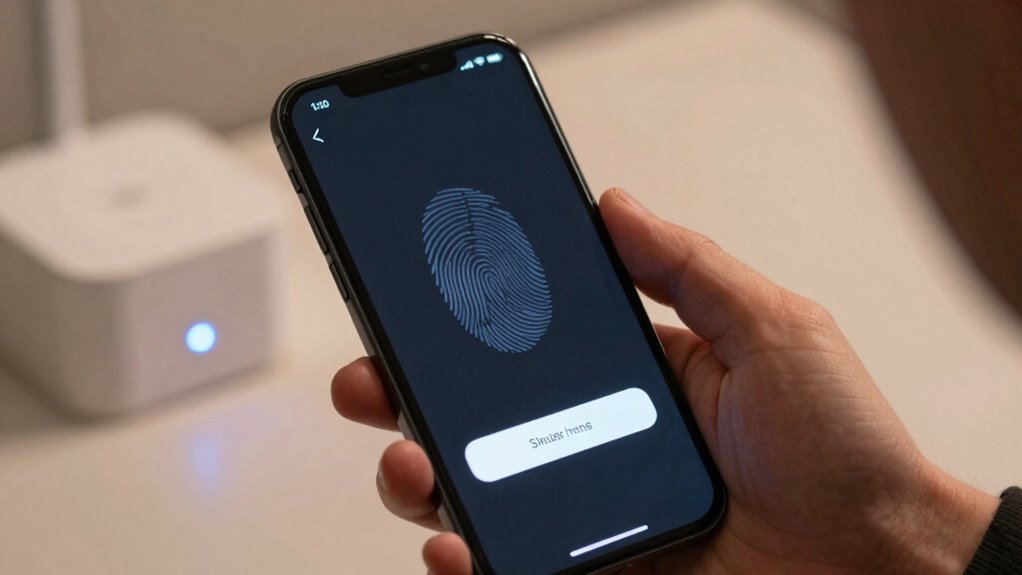

Your authentication experience can either boost security or create weaknesses. When systems are easy to use and consistent, you’re more likely to follow best practices, like using strong passwords or biometric verification. But if the process is confusing or frustrating, you might look for shortcuts or abandon login altogether. Well-designed UX encourages proper behavior and trust, making defenses stronger. Keep exploring to understand how thoughtful design can make your security both seamless and effective.

Get privacy and security gear delivered free with Prime
- Fast, free delivery on millions of items
- Prime Video, Amazon Music and more included
- Member-only deals all year
Key Takeaways
- A seamless, user-friendly authentication experience encourages consistent security practices and reduces user shortcuts that weaken security.
- Poorly designed UX causes user frustration, leading to insecure behaviors like password reuse or avoidance of security measures.
- Integrating biometric methods simplifies secure access, increasing compliance and reducing reliance on weak passwords.
- Clear guidance and balanced password complexity improve security without overwhelming users, preventing insecure workarounds.
- Well-designed layered authentication fosters trust and adherence, strengthening overall security defenses.
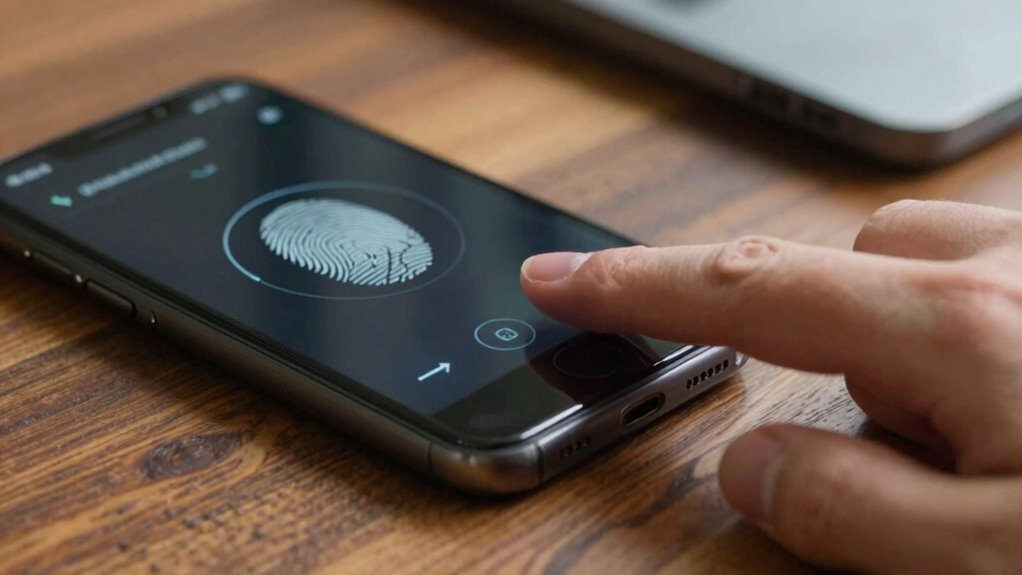
Have you ever wondered why some login processes feel frustrating while others seem seamless? The answer often lies in how well the authentication experience balances security and usability. When designing a secure login system, you need to consider not just the strength of the security measures but also how easy it is for users to access their accounts. A clunky or confusing process can lead to frustration, prompting users to seek shortcuts or abandon their attempts altogether. Conversely, a smooth, intuitive login experience encourages users to follow best practices, ultimately strengthening security.
One key factor in creating an effective authentication UX is biometric integration. When you incorporate biometric options like fingerprint or facial recognition, you provide a quick, frictionless way for users to verify their identity. This not only enhances user experience but also reduces reliance on traditional passwords, which can be forgotten or stolen. Biometric authentication is inherently secure because it’s based on unique biological traits that are difficult to replicate. By making access faster and more reliable, biometric integration encourages consistent, proper authentication practices, which ultimately fortify your security defenses.
However, it’s equally important to pay attention to password complexity. While biometric options are convenient, they shouldn’t completely replace password security measures. When users are forced to create overly simple passwords or reuse the same passwords across multiple sites, it weakens overall security. Striking the right balance involves setting clear, reasonable requirements for password complexity—such as a mix of uppercase, lowercase, numbers, and symbols—without making the process so cumbersome that users resort to insecure shortcuts. Implementing password strength meters and providing guidance can help users create strong, memorable passwords without feeling overwhelmed. Additionally, educating users about password best practices can further improve overall security.
Furthermore, an effective authentication UX minimizes the cognitive load on users. Instead of bombarding them with complex steps or confusing instructions, you can streamline the process by combining biometric options with well-designed password policies. This layered approach allows users to choose their preferred method—be it biometric or password-based—making security feel less like an obstacle and more like an integrated feature. When users perceive the login process as simple and reliable, they’re more likely to follow security protocols consistently, which bolsters your defenses against breaches. Incorporating user-centered design principles can significantly improve the overall experience and security outcomes. Additionally, integrating secure hardware such as trusted platform modules (TPMs) can further enhance the robustness of authentication systems.
In the digital age, ensuring that authentication methods are both secure and user-friendly is critical, especially as cyber threats continue to evolve. When users perceive the login process as simple and reliable, they’re more likely to follow security protocols consistently, which bolsters your defenses against breaches. Creating a seamless experience also involves understanding the importance of security awareness among users, as well-informed users are less likely to fall victim to social engineering attacks.
In the end, the success of your authentication system hinges on how well you can make security measures feel natural, effortless, and trustworthy. By integrating biometric options thoughtfully and enforcing balanced password complexity requirements, you create an experience that users trust and security professionals respect. A seamless UX doesn’t mean sacrificing security; it means designing a process that encourages proper behavior while reducing frustration. That’s the key to turning authentication from a potential vulnerability into a robust line of defense.
As an affiliate, we earn on qualifying purchases.
Frequently Asked Questions
How Does User Frustration Impact Overall Security?
When user frustration rises, your security can suffer because patience drops and frustration tolerance diminishes. You might find users bypassing multi-factor authentication or choosing simpler, less secure options just to avoid hassle. This impatience weakens overall security, making it easier for attackers to exploit vulnerabilities. To protect your system, you need to design authentication processes that maintain user patience and bolster frustration tolerance, encouraging users to follow secure procedures without feeling overwhelmed.
Can Simplified Authentication Compromise Security Levels?
You might think simplifying authentication is a walk in the park, but it can lower security levels if you’re not careful. Stripping down password complexity or skipping two-factor authentication can make accounts easier to access, but also easier for hackers. To keep security tight, find a balance that maintains usability while enforcing strong measures like complex passwords and multi-layered verification. Otherwise, you’re just opening the door for trouble.
What Role Does Mobile Design Play in Authentication UX?
Mobile design plays a vital role in authentication UX by ensuring interfaces are mobile-responsive, making login processes smooth and accessible. You benefit from features like Touch ID, which simplifies authentication while maintaining security. When mobile design is optimized, users find it easier to authenticate quickly and securely. Poor mobile responsiveness or complicated processes can frustrate users, leading to weaker security practices or abandoned login attempts.
How Do Biometric Options Affect User Privacy Concerns?
Biometric options raise privacy implications because they collect sensitive data, which can be misused or mishandled. You might worry about biometric ethics, such as how your data is stored and who has access. To protect your privacy, guarantee authentication systems use secure encryption and transparent policies. Being aware of these privacy implications helps you make informed choices, balancing convenience with your personal data’s safety.
What Are the Latest Trends in Secure Authentication Methods?
The latest trends in secure authentication are revolutionizing security, making it nearly impenetrable. You’ll see multi-factor authentication becoming standard, combining passwords, biometrics, and device checks. Behavioral biometrics, which analyze how you interact with devices, are gaining traction for seamless security. These methods work together to create an almost unbreakable barrier, ensuring your data stays safe while maintaining user convenience. It’s an exciting evolution in authentication technology that keeps hackers on the defensive.
facial recognition security device
As an affiliate, we earn on qualifying purchases.
As an affiliate, we earn on qualifying purchases.
Conclusion
In the end, your authentication UX can be the make-or-break factor for your security. If you make it too cumbersome, users might find ways to bypass it, risking your system’s safety. But if you strike the right balance, you’ll turn a potential weak spot into a strong shield. Remember, a smooth user experience can be your best defense—because when it comes to security, you don’t want to put all your eggs in one basket.
As an affiliate, we earn on qualifying purchases.
multi-factor authentication hardware
As an affiliate, we earn on qualifying purchases.
As an affiliate, we earn on qualifying purchases.
Halloween Picks
halloween
As an affiliate, we earn on qualifying purchases.