
You still need document scanners in digital workflows because they guarantee accurate, secure conversion of paper into digital files, reducing errors and manual corrections. They support quick, reliable scanning of diverse documents and maintain data confidentiality with strong security protocols. Scanners provide a solid foundation for seamless integration with OCR tools and document management systems. If you want to discover how they keep your workflows efficient and protected, keep exploring the benefits they offer.

Get privacy and security gear delivered free with Prime
- Fast, free delivery on millions of items
- Prime Video, Amazon Music and more included
- Member-only deals all year
Key Takeaways
- Physical scanners provide immediate, reliable conversion of paper documents into digital formats, ensuring seamless workflow integration.
- High-quality scanners support accurate OCR, enabling trustworthy searchability and editing of digitized documents.
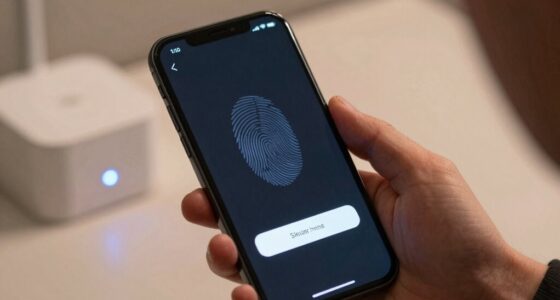
- They incorporate security features like encryption and authentication to protect sensitive data during scanning and storage.
- Scanners handle diverse document types and duplex scanning, increasing efficiency in large-volume digitization processes.
- Maintaining physical-to-digital links with scanners preserves data integrity and complements digital automation efforts.
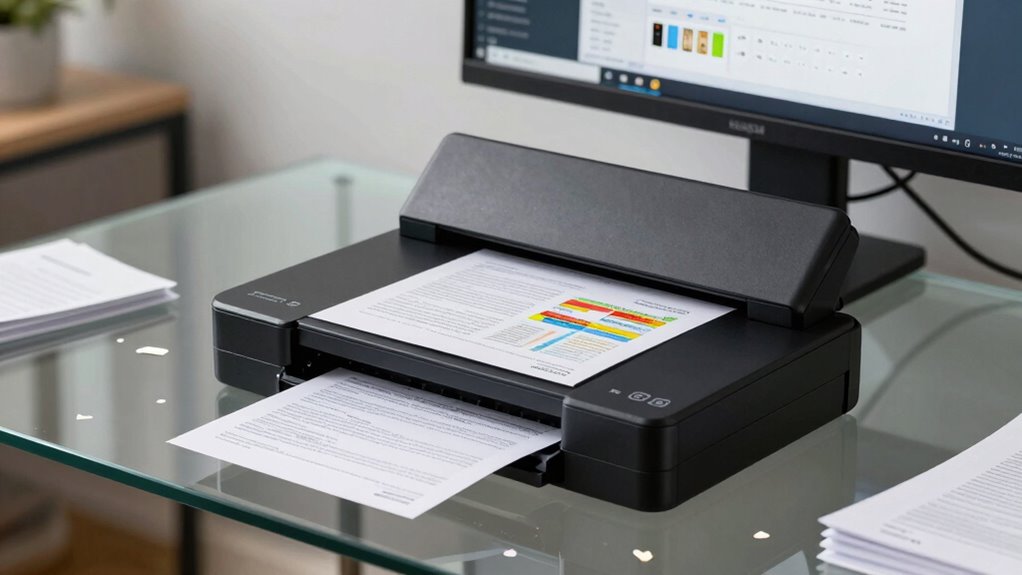
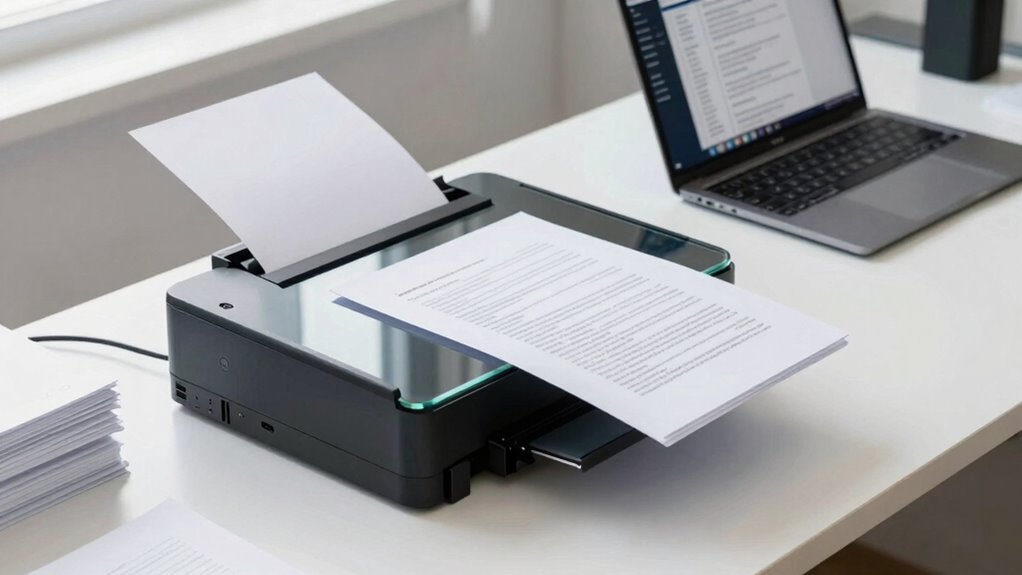
In today’s fast-paced digital world, integrating document scanners into your workflow can considerably boost productivity and organization. Despite the rise of cloud storage and digital apps, scanners remain essential tools that bridge physical documents to your digital environment. A key factor to consider is OCR accuracy — optical character recognition technology that transforms scanned images into editable, searchable text. High OCR accuracy ensures that your digitized documents are reliable, reducing the need for manual corrections and saving valuable time. When your scanner supports advanced OCR capabilities, you can quickly extract information from invoices, contracts, or handwritten notes, making your data more accessible and manageable. This efficiency is crucial, especially when dealing with large volumes of paperwork or tight deadlines.
Alongside OCR precision, security protocols are vital in maintaining the integrity and confidentiality of your digital documents. Document scanners today often come equipped with security features like encrypted data transfer, user authentication, and secure storage options. These protocols help prevent unauthorized access and safeguard sensitive information, which is especially important in industries such as finance, healthcare, or legal services. You want to feel confident that the scanned data remains protected throughout the process, from initial capture to storage and sharing. Security protocols not only comply with regulatory standards but also build trust with clients and partners, knowing their information is handled responsibly. Additionally, security features on modern scanners are designed to adapt to evolving threats, ensuring ongoing protection for your data. Moreover, understanding the importance of security protocols can help you choose the right equipment that aligns with your compliance needs. Recognizing the role of digital security measures can further enhance your overall data protection strategy. Incorporating latest security technology into your scanner choices can provide an extra layer of defense against cyber threats. Keeping informed about security standards can also help you implement best practices for safeguarding your digital assets.
Security features like encryption and user authentication protect sensitive data throughout your scanning workflow.
While many assume that software automation and cloud solutions have rendered scanners obsolete, the reality is quite the opposite. Physical scanners provide a reliable, immediate way to convert paper documents into digital files with precision and control. They serve as the foundation for effective digital workflows, enabling seamless integration with document management systems, OCR tools, and security measures. This integration ensures your documents are not only digitized but also protected and easily searchable. Moreover, scanners are versatile; they handle diverse document types and sizes, and many models support duplex scanning for faster, two-sided document processing.
In essence, document scanners still matter because they complement digital workflows by providing high OCR accuracy and robust security protocols. They help you maintain a smooth, efficient process where physical and digital assets work together seamlessly. By investing in a quality scanner, you ensure your workflow remains streamlined, your data secure, and your productivity optimized. In an era dominated by digital solutions, the scanner remains an indispensable tool for transforming paper-based information into valuable, protected digital assets.
high OCR accuracy document scanner
As an affiliate, we earn on qualifying purchases.
As an affiliate, we earn on qualifying purchases.
Frequently Asked Questions
How Do Document Scanners Enhance Data Security?
Document scanners enhance data security by using encryption protocols to protect sensitive information during scanning and transmission. They also incorporate access controls, ensuring only authorized personnel can view or handle scanned documents. This combination prevents unauthorized access and data breaches, maintaining confidentiality. By integrating these security features, you can confidently digitize documents, knowing your data remains secure throughout the entire workflow.
Can Scanners Integrate With Cloud Storage Solutions?
Yes, scanners can seamlessly integrate with cloud storage solutions, turning your device into a bridge that connects your physical and digital worlds. With cloud integration, your scans automatically upload and sync across platforms, making storage synchronization effortless. This not only boosts efficiency but also guarantees your documents are always accessible and secure, transforming your workflow into a well-orchestrated symphony where every note is perfectly in sync.
What Is the Typical Lifespan of a Document Scanner?
A typical document scanner lasts between 3 to 7 years, depending on usage and maintenance routines. Regular cleaning and proper handling can extend its lifespan. You should also check scanner warranties, which often cover repairs or replacements within a certain period. Staying on top of maintenance routines helps guarantee your scanner remains reliable, and understanding warranty terms gives you peace of mind if issues arise.
Are There Eco-Friendly Scanner Options Available?
Yes, eco-friendly alternatives are available for scanners, supporting sustainable scanning practices. You can choose models with energy-efficient features, low power consumption, and recyclable materials. Some brands prioritize sustainability by reducing plastic use and offering repair options, extending the device’s lifespan. By selecting these environmentally conscious options, you contribute to a greener future while maintaining efficient digital workflows. Eco-friendly scanners help reduce your carbon footprint without sacrificing performance or convenience.
How Does Scanning Quality Impact OCR Accuracy?
You might think high-quality scanning isn’t essential, but poor optical clarity and low image resolution actually hurt OCR accuracy. Ironically, skimp on scan quality, and your digital text becomes a headache—letters may blur or merge, making it harder for OCR software to recognize characters. To get precise results, make sure your scanner captures sharp images with excellent resolution, so every word is crystal clear and easily converted into editable text.
secure document scanner with encryption
As an affiliate, we earn on qualifying purchases.
As an affiliate, we earn on qualifying purchases.
Conclusion
Despite the rise of digital tools, document scanners remain essential in your workflow. They bridge the gap between paper and digital, ensuring quick, accurate data capture. Did you know that 70% of businesses still rely heavily on physical documents? That’s a clear sign scanners aren’t going anywhere soon. Embracing them keeps your processes efficient and your data accessible. So, don’t overlook the power of a simple scanner—it might just be the key to streamlining your entire workflow.
duplex sheet-fed scanner for large volume
As an affiliate, we earn on qualifying purchases.
As an affiliate, we earn on qualifying purchases.
portable professional document scanner
As an affiliate, we earn on qualifying purchases.
As an affiliate, we earn on qualifying purchases.
Fall Picks
fall essentials
As an affiliate, we earn on qualifying purchases.