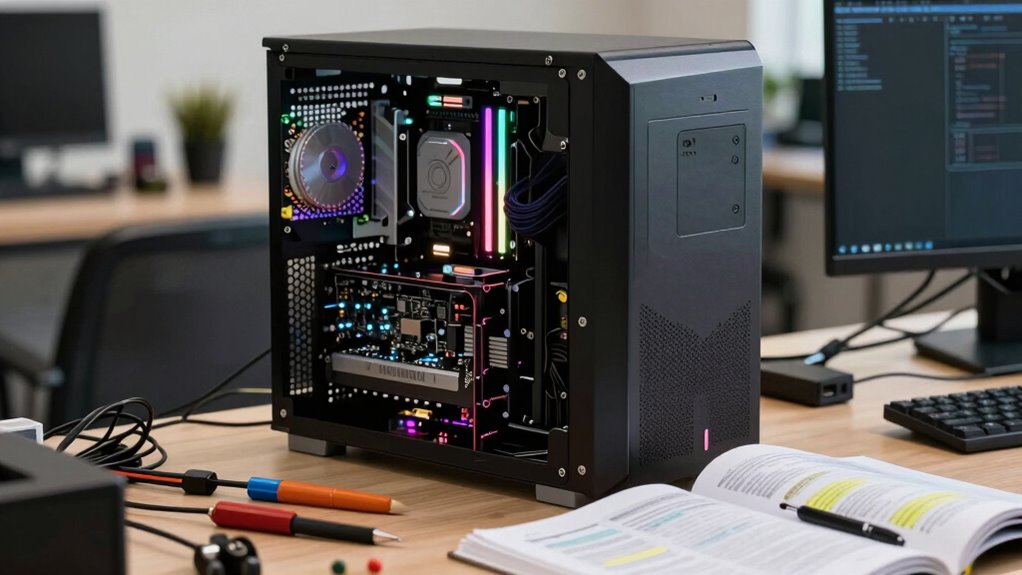

Most guides oversimplify PC upgrades, but better prioritization depends on understanding your system’s true bottlenecks. You need to analyze whether your CPU, GPU, or storage is limiting performance, rather than assuming one component is always the culprit. Upgrading the wrong part wastes money and offers minimal gains. By knowing how your components interact and focusing on your primary tasks, you get the most value. Keep going to discover how to make smarter upgrade choices.

Get privacy and security gear delivered free — and shop member deals
- Fast, free delivery on millions of items
- Access to Prime Big Deal Days deals on October 6–7
- Prime Video, Amazon Music and more included
Key Takeaways
- Proper prioritization ensures upgrades target actual system bottlenecks, maximizing performance gains and avoiding wasted expenses.
- Many guides overlook the importance of assessing storage and system interaction, leading to ineffective upgrade choices.
- Upgrading the wrong component, like GPU instead of CPU, can result in limited performance improvements.
- System balance and component interaction are crucial; mismatched upgrades hinder unlocking full potential.
- Task-specific needs (gaming vs. content creation) influence which upgrades will provide the most meaningful performance boost.
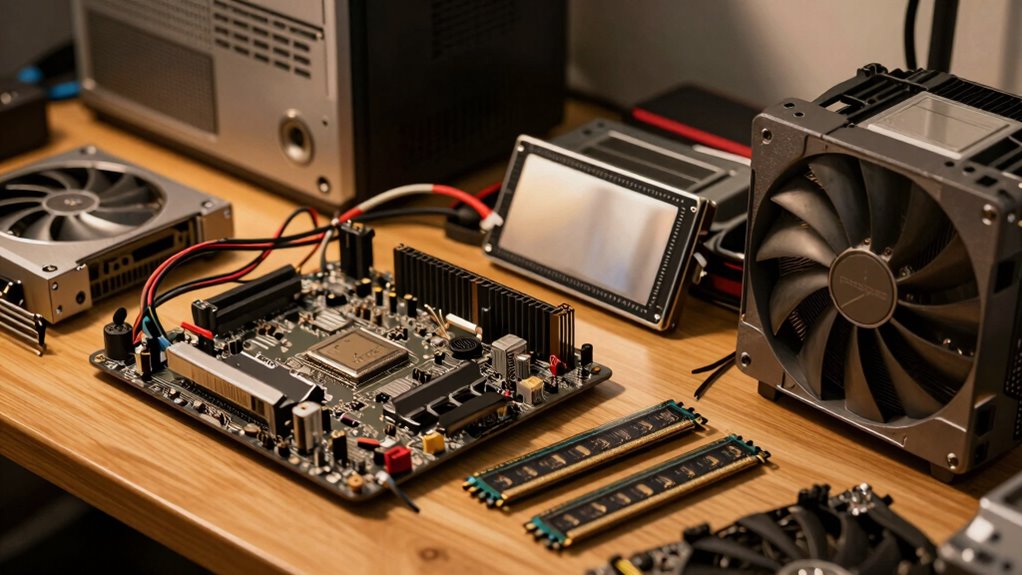
Are you unsure of which PC components to upgrade first? Many guides suggest starting with the GPU or CPU, but that’s not always the best approach for your specific needs. The truth is, proper prioritization depends on understanding how your current system performs and where the real bottlenecks lie. For example, if you’re experiencing low frame rates in gaming, it might seem obvious to upgrade the GPU. But if your system is already hitting GPU bottlenecks, further upgrades won’t improve performance until other issues are addressed. Conversely, if your storage is slow, upgrading to faster SSDs can make a significant difference in load times and overall responsiveness, sometimes more so than a GPU upgrade.
Prioritize upgrades based on your system’s bottlenecks for maximum performance and value.
Before jumping into parts upgrades, you need to identify where your system struggles the most. Many people overlook storage because it’s not as glamorous as a shiny new graphics card, but a sluggish hard drive can bottleneck your entire experience. Upgrading to a solid-state drive (SSD) can breathe new life into an aging system, reducing load times and improving multitasking. This kind of storage upgrade often yields a more noticeable performance boost than a GPU upgrade in daily tasks, especially if your current setup relies on slow HDDs. Additionally, understanding your system’s performance bottleneck can help guide your upgrade choices more effectively. Knowing how different components interact can prevent unnecessary expenses and ensure you’re addressing the *true* limitations of your setup.
When it comes to GPU bottlenecks, it’s essential to assess whether your graphics card is truly holding back your gaming or creative work. If your CPU is maxed out while the GPU remains underutilized, then investing in a more powerful CPU might be more strategic. On the other hand, if your GPU is at full load but frame rates still suffer, then a GPU upgrade is justified. But don’t forget the importance of balancing your system; upgrading just one component without considering the rest can lead to wasted money and limited gains. Recognizing these performance bottlenecks allows for a more targeted and cost-effective upgrade strategy. It’s equally important to regularly monitor system performance through diagnostic tools to accurately identify these issues before making costly upgrades.
Prioritization should also consider what tasks you perform most often. If you’re into gaming, graphics performance might take precedence. For content creators, storage and CPU performance could be more critical. Upgrading without a plan often leads to mismatched components that don’t fully unlock your system’s potential. So, instead of following generic guides, take the time to evaluate your system’s bottlenecks. A strategic approach ensures your upgrades deliver maximum performance improvements and better overall value.
As an affiliate, we earn on qualifying purchases.
Frequently Asked Questions
How Do I Determine My Current PC Bottleneck?
To determine your PC bottleneck, start by checking hardware compatibility and performance stats. Use tools like CPU-Z or GPU-Z to identify your current components, then compare their performance against the tasks you want to improve. Focus on the weakest link—whether it’s your CPU, GPU, or RAM—and prioritize upgrades accordingly. This way, you optimize upgrade scheduling, ensuring each component’s upgrade yields maximum performance gains without unnecessary spending.
When Is It Better to Upgrade CPU Versus GPU?
Upgrading your CPU is like fixing the engine when your car stalls; do it when your system’s CPU is the bottleneck, especially in tasks like editing or multitasking. Choose a GPU upgrade when your graphics bottleneck shows up in gaming or rendering. Remember, cooling considerations matter—upgrading without proper cooling can throttle performance. Prioritize based on your use case, ensuring each component complements the other for peak performance.
How Does Future-Proofing Influence Upgrade Decisions?
Future-proofing influences your upgrade decisions by emphasizing hardware longevity and ensuring technology compatibility. You prioritize components that will remain effective longer and work seamlessly with upcoming advancements. This approach helps you avoid frequent upgrades, saving money and effort. By considering future-proofing, you select parts that support evolving software and hardware standards, making your system more adaptable and resilient to rapid technological changes.
Should I Prioritize Storage or Memory Upgrades First?
You should prioritize memory capacity first because it directly affects your ability to run multiple applications smoothly. Upgrading RAM provides immediate performance gains, especially if your current memory is limited. After that, focus on storage speed—faster SSDs markedly improve load times and overall responsiveness. Balancing these upgrades based on your usage ensures your system performs at its best, rather than just following generic upgrade guides. Prioritizing wisely enhances your PC’s future-proofing.
How Can I Optimize Upgrade Costs Over Time?
Think of your upgrade journey as tending a garden, where smart budget allocation and upgrade timing are your tools. To optimize costs over time, prioritize upgrades that boost performance most immediately, like RAM or SSDs, then plan for future enhancements. Spread your spending, waiting for sales or new releases. This approach guarantees each upgrade yields maximum benefit, making your investment grow stronger, just like a thriving garden.
As an affiliate, we earn on qualifying purchases.
Conclusion
When upgrading your PC, prioritize what truly matters—performance, stability, and longevity. Don’t just follow generic guides; assess your needs, identify bottlenecks, and focus on what will give you the biggest impact. Balance your budget, plan your upgrades wisely, and remember that upgrading smartly saves time, money, and frustration. By making thoughtful choices, you guarantee your PC serves you well today, tomorrow, and well into the future. Prioritize smart, upgrade better, and enjoy the results.
system bottleneck identification software
As an affiliate, we earn on qualifying purchases.
As an affiliate, we earn on qualifying purchases.
As an affiliate, we earn on qualifying purchases.
Fall Picks
fall essentials
As an affiliate, we earn on qualifying purchases.