Passkeys differ from traditional MFA because they use cryptographic keys stored directly on your device, making authentication faster and more secure. Unlike MFA, which often relies on passwords or physical tokens, passkeys authenticate seamlessly with biometrics like fingerprints or facial recognition, reducing the risk of phishing or interception. They also work across multiple devices, offering a smooth experience without constant prompts. To discover how this approach enhances your security and convenience, keep exploring.

Get privacy and security gear delivered free with Prime
- Fast, free delivery on millions of items
- Prime Video, Amazon Music and more included
- Member-only deals all year
Key Takeaways
- Passkeys use cryptographic keys stored locally on devices, eliminating the need for external communication channels.
- Authentication with passkeys is seamless and biometric-based, reducing the need to remember or enter passwords.
- Passkeys are resistant to phishing and man-in-the-middle attacks due to their cryptographic and local storage design.
- Traditional MFA combines passwords with physical tokens or biometric inputs, often requiring multiple steps and external verification.
- Passkeys enable cross-platform, device-agnostic login, providing a smoother, more secure user experience.
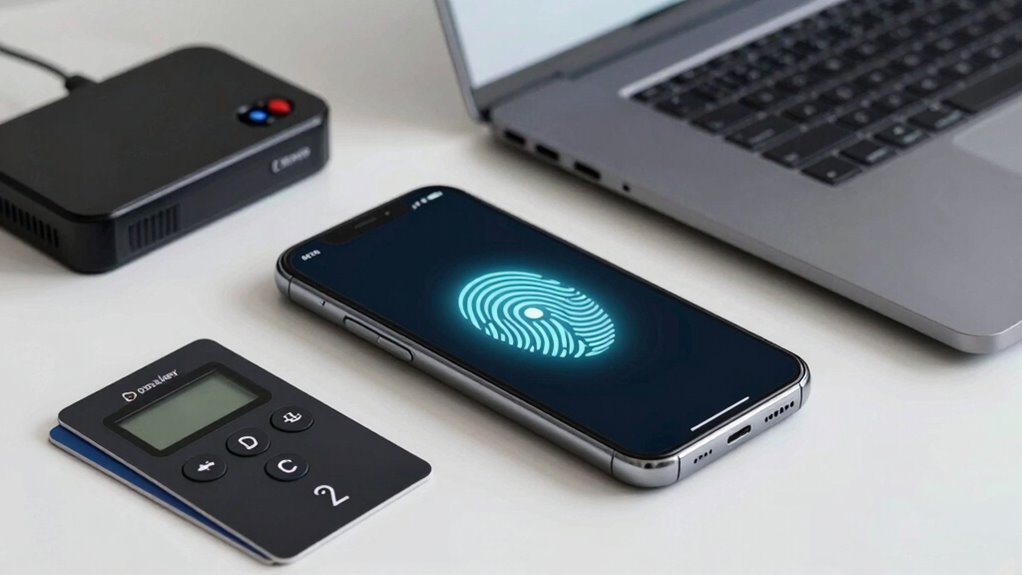
As digital security becomes increasingly essential, understanding the differences between passkeys and traditional multi-factor authentication (MFA) can help you protect your accounts more effectively. Passkeys are a modern approach that leverages biometric security, making authentication both more secure and seamless. Unlike conventional MFA methods, which often require you to remember and enter complex passwords or approve multiple prompts, passkeys simplify the process by using your device’s built-in biometric features, such as fingerprint scanners or facial recognition. This means you can authenticate quickly without juggling codes or passwords, markedly improving user convenience.
Traditional MFA typically involves combining something you know (a password) with something you have (a hardware token or a phone app) or something you are (biometric data). While this layered approach adds security, it can be cumbersome. You might need to carry a physical token, wait for a text message, or type in a code received via email. These steps can interrupt your workflow, and the reliance on external devices or communication channels introduces potential vulnerabilities. Plus, passwords are often weak, reused, or forgotten, which can undermine the security MFA aims to provide.
Passkeys, on the other hand, eliminate many of these issues by replacing passwords with cryptographic keys stored locally on your device. When you attempt to log in, your device uses biometric security—like your fingerprint or facial recognition—to verify your identity. Because the cryptographic keys never leave your device and aren’t transmitted over the internet, they’re inherently resistant to phishing or man-in-the-middle attacks. This approach not only boosts security but also streamlines the login process. You don’t need to remember or type in anything; your biometric data handles the authentication in the background.
User convenience is a substantial advantage of passkeys. They remove the frustration of managing complex passwords or carrying physical tokens. Instead, you enjoy a quick, secure access experience that feels natural. Additionally, passkeys are designed to work across devices and platforms, meaning you can log into your accounts effortlessly whether you’re on your phone, tablet, or computer. This cross-device compatibility makes managing multiple accounts easier and reduces the likelihood of insecure practices like password reuse. Enhanced security features further strengthen this modern approach to digital authentication. Incorporating cryptographic keys adds a robust layer of protection that is difficult for attackers to compromise.
As an affiliate, we earn on qualifying purchases.
Frequently Asked Questions
Are Passkeys Compatible With All Devices and Platforms?
Passkeys are compatible with most devices and platforms, but device compatibility and platform support can vary. They work seamlessly on many modern smartphones, tablets, and computers, especially those with updated operating systems. However, some older devices or platforms may not fully support passkeys yet. To guarantee smooth use, check if your device and platform are compatible with passkeys or need software updates for peak security and convenience.
Do Passkeys Eliminate the Need for Passwords Entirely?
Passkeys considerably reduce your reliance on passwords, but they may not eliminate the need entirely, especially for password management. They offer enhanced user convenience by simplifying login processes and reducing vulnerabilities associated with traditional passwords. While passkeys make secure authentication easier, you might still need passwords for some services or fallback options. Overall, they streamline security, but keeping track of a few passwords remains pertinent for thorough account management.
How Are Passkeys Stored and Protected From Theft?
Passkeys are securely stored on your device using encrypted, hardware-backed storage, making theft prevention much stronger. They’re designed to never leave your device in plain text, reducing the risk of theft or hacking. When you authenticate, the device performs cryptographic operations locally, so passkeys aren’t transmitted or stored on servers, further protecting against theft. This secure storage and local authentication make passkeys a safer, more theft-resistant alternative to traditional passwords.
Can Passkeys Be Recovered if Lost or Device Is Damaged?
If you lose your passkey or your device is damaged, recovery options depend on your setup. Many services offer device recovery methods, like using backup keys or cloud synchronization, but this can raise security concerns. To minimize risks, it’s crucial to enable secure recovery options while understanding potential vulnerabilities. Always keep backup options updated and stored securely to ensure you can regain access without compromising your account’s security.
Are Passkeys More Cost-Effective Than Traditional MFA Solutions?
Are passkeys more cost-effective than traditional MFA solutions? Absolutely, they often are due to their cost efficiency and implementation simplicity. You’ll save on expenses related to hardware tokens or SMS services, and deploying passkeys is straightforward, reducing setup time and technical support. Over time, this simplicity and lower ongoing costs make passkeys a smarter investment for securing your digital environments without breaking the bank.
As an affiliate, we earn on qualifying purchases.
Conclusion
Switching to passkeys can simplify your security by eliminating the need for codes or tokens, making login both easier and safer. Imagine you’re a small business owner who adopts passkeys — instead of juggling multiple MFA prompts, your team logs in quickly with just a tap or fingerprint. This seamless experience not only boosts productivity but also reduces the risk of phishing. Embracing passkeys means stronger security with less hassle, keeping your digital world safer and more straightforward.
hardware security token for passkeys
As an affiliate, we earn on qualifying purchases.
As an affiliate, we earn on qualifying purchases.
As an affiliate, we earn on qualifying purchases.
Fall Picks
fall essentials
As an affiliate, we earn on qualifying purchases.