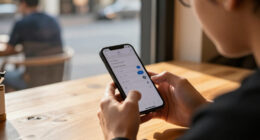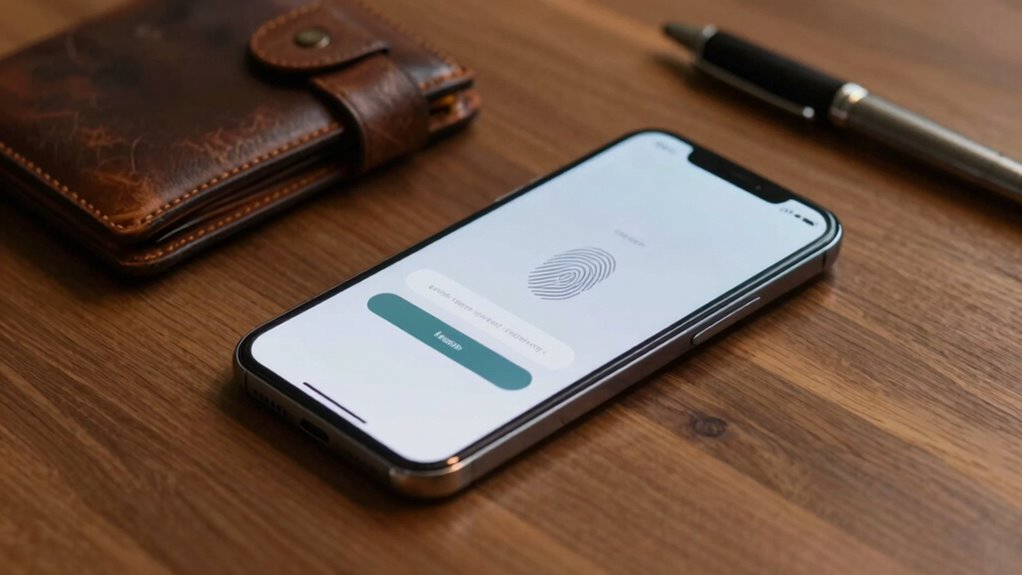

Good authentication design feels invisible because it seamlessly integrates security into your experience without causing frustration or interruption. It anticipates your needs, using biometrics like fingerprint or facial recognition, so you don’t have to remember passwords or enter codes. Contextual awareness automatically recognizes trusted devices or networks, reducing repetitive steps. When security works quietly in the background, it lets you focus on your tasks effortlessly. Keep exploring to discover how these features create effortless, secure access.

Get privacy and security gear delivered free with Prime
- Fast, free delivery on millions of items
- Prime Video, Amazon Music and more included
- Member-only deals all year
Key Takeaways
- Seamless integration ensures authentication occurs quietly without disrupting user activities or flow.
- Biometric technologies provide quick, natural verification, eliminating the need for manual password entry.
- Contextual awareness allows automatic recognition of trusted devices or networks, reducing login steps.
- Adaptive security adjusts to user context, maintaining protection without intrusiveness.
- Well-designed systems anticipate user needs, making security measures feel like a natural extension of the device.
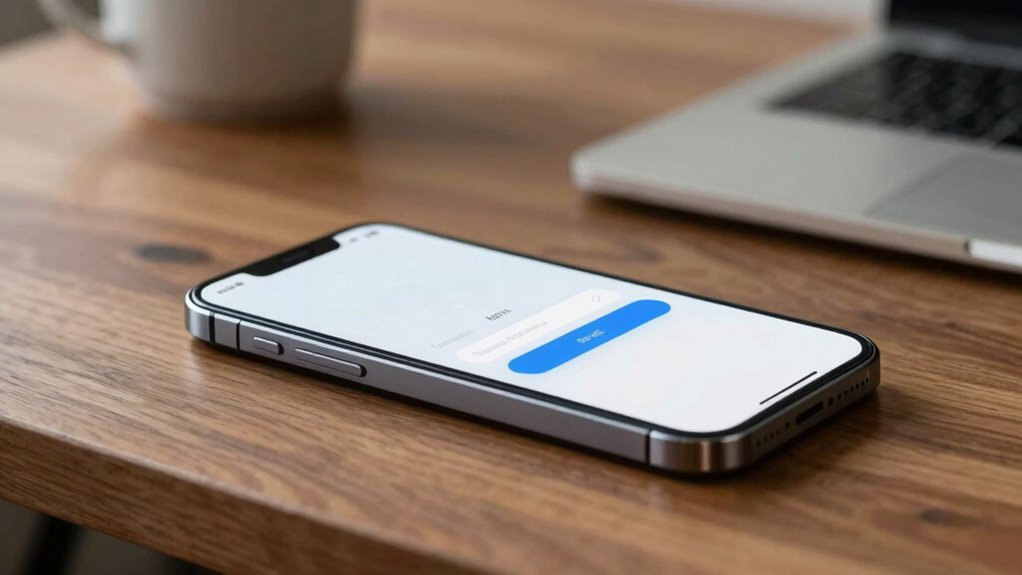
Good authentication design often goes unnoticed because it seamlessly integrates into your experience, allowing you to access what you need without frustration. When you log into an app or website effortlessly, it’s because the system has been thoughtfully crafted to minimize hassle. This smooth process isn’t accidental; it results from careful attention to user experience optimization, ensuring that security measures don’t stand in your way. Instead, they work quietly in the background, verifying your identity quickly and accurately. Incorporating security measures that are both effective and unobtrusive is key to achieving this seamlessness. Biometric integration plays a significant role in making authentication feel invisible. Features like fingerprint scans, facial recognition, or voice authentication are designed to be fast and intuitive. You hardly think about these security steps because they often happen in a fraction of a second, blending seamlessly with your natural interactions. By leveraging biometric data, systems eliminate the need for memorizing complex passwords or entering lengthy codes, which can break the flow of your activity. This not only enhances convenience but also reduces the likelihood of errors or frustration during login. User experience optimization focuses on removing obstacles that can hinder your interaction. Good authentication systems anticipate your needs, streamlining the process without sacrificing security. For instance, when biometric authentication is available, you’re encouraged to use it because it’s more user-friendly than traditional methods. When implemented well, these measures adapt to your device and context, making the process feel more natural. As a result, you don’t feel like you’re fighting against the system; instead, it feels like an extension of your device, working smoothly to keep your information safe. Another reason good authentication design feels invisible is that it often employs contextual awareness. If you’re on a trusted device or network, the system might allow you to log in with fewer steps or automatically recognize you. This adaptive approach keeps your experience frictionless, reducing repetitive tasks and maintaining a sense of continuity. Incorporating contextual awareness can significantly improve the user experience by making security feel less intrusive. When security measures don’t interrupt your flow, you’re more likely to feel confident and comfortable using the platform regularly. Ultimately, the goal of good authentication design is to protect your data without making you think about security. By integrating biometric options and prioritizing user experience optimization, developers create systems that are both secure and effortless to use. When done well, your authentication process becomes almost invisible—you’re focused on your task, not the login. That’s the hallmark of truly seamless security: it’s there when needed but never gets in your way.
As an affiliate, we earn on qualifying purchases.
Frequently Asked Questions
How Do Users Typically Perceive Complex Authentication Processes?
You often perceive complex authentication processes as frustrating, making you feel annoyed or overwhelmed. This user frustration arises because these processes can feel like unnecessary hurdles, even though they’re meant to protect your security. You might accept some security trade-offs, but overly complicated steps can lead to dissatisfaction. When authentication feels seamless and intuitive, it minimizes frustration, but when it’s cumbersome, it highlights the trade-offs between convenience and security.
What Role Does User Trust Play in Authentication Design?
User trust plays a vital role in authentication design because it influences your confidence in the system’s security. When you trust the process, you’re more likely to use it comfortably and without frustration. Good design calibrates trust by being transparent, consistent, and straightforward, which helps you feel secure without noticing the security measures actively. This trust calibration guarantees authentication feels seamless, encouraging continued use and confidence in the platform.
Can Invisible Authentication Methods Improve Security Without Sacrificing Usability?
Yes, invisible authentication methods like biometric integration and contextual verification can boost security without sacrificing usability. You benefit from seamless access, as biometric data such as fingerprints or facial recognition authenticate you effortlessly. Contextual verification adds layers of security by evaluating your environment or behavior, making security measures feel natural and unobtrusive. This approach enhances trust and convenience, ensuring you’re protected without having to consciously manage complex authentication steps.
How Do Cultural Differences Influence Authentication Preferences?
You might find it surprising, but cultural norms and privacy expectations heavily shape authentication preferences. In some cultures, people prefer biometric methods due to trust in physical security, while others favor passwords for privacy reasons. These differences influence how seamless or intrusive authentication feels. By understanding these cultural nuances, you can design authentication systems that feel natural and respectful, making security feel invisible and effortless regardless of where users are.
What Are the Potential Risks of Overly Simplified Authentication?
Overly simplified authentication can expose you to risks like biometric deception, where attackers mimic biometric data, and password reuse, which makes breaches more damaging. When you rely on weak methods, hackers find it easier to bypass security, risking your personal information. Simplification might improve user experience temporarily, but it can undermine security, leaving you vulnerable to identity theft, fraud, and data breaches. Always balance ease of use with robust security measures.
facial recognition security device
As an affiliate, we earn on qualifying purchases.
As an affiliate, we earn on qualifying purchases.
Conclusion
When authentication feels seamless, users hardly notice it—like a well-designed lock that keeps your house secure without fuss. For instance, a banking app that uses biometric login makes security transparent, allowing you to access your funds effortlessly. When you prioritize invisible, user-friendly authentication, you enhance trust and experience. Ultimately, a smooth authentication process isn’t just about security; it’s about making users feel confident and comfortable every time they log in.
smartphone with biometric authentication
As an affiliate, we earn on qualifying purchases.
As an affiliate, we earn on qualifying purchases.
trusted device recognition security
As an affiliate, we earn on qualifying purchases.
As an affiliate, we earn on qualifying purchases.
Halloween Picks
halloween
As an affiliate, we earn on qualifying purchases.