
To spot a scam before clicking, watch for suspicious sender addresses, mismatched domain names, or urgent language that pressures quick action. Be wary of unexpected attachments or links, especially if they ask for personal info or passwords. Check for poor grammar, unusual URLs, or QR codes that seem out of place. Recognizing these signs helps protect you, and if you keep exploring, you’ll discover more ways to stay one step ahead of scammers.
Key Takeaways
- Check for mismatched sender addresses and domain spoofing to verify authenticity.
- Be cautious of urgent language or threats prompting immediate action.
- Inspect URLs carefully for suspicious or shortened links before clicking.
- Avoid opening unexpected attachments, especially ZIP files, macros, or APKs.
- Use multi-factor authentication and report any suspicious messages to security teams.
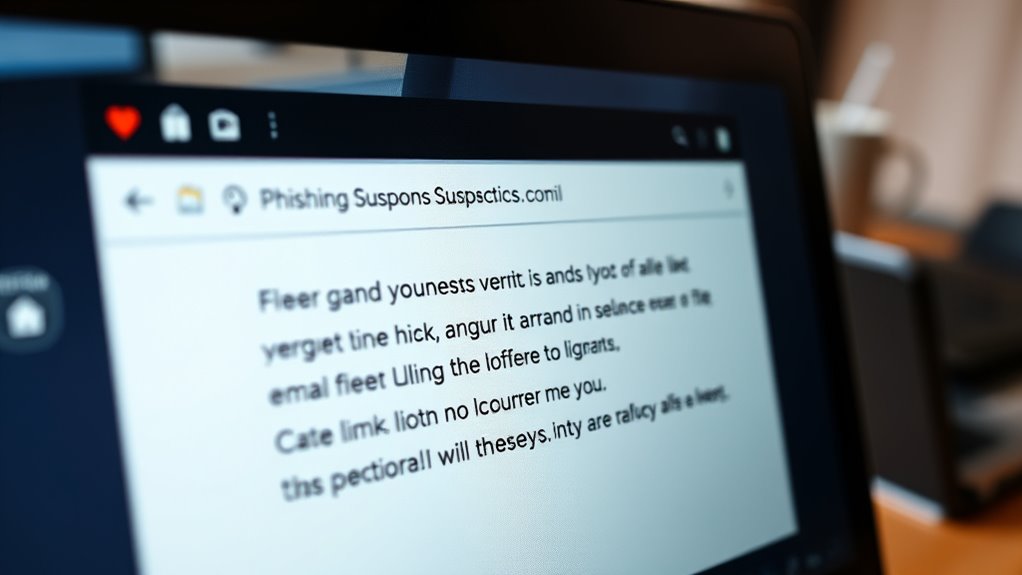
Have you ever wondered how hackers trick millions of people into revealing sensitive information daily? The answer lies in the vast scale and sophistication of modern phishing attacks. Every day, about 3.4 billion phishing emails flood inboxes worldwide, with Google alone blocking 100 million of these malicious messages daily. In the first quarter of 2025, over 1 million phishing attacks were recorded, the highest since late 2023. These scams are responsible for around 80% of cyber attacks and data breaches, costing organizations billions annually. The threat landscape continues to grow as attackers leverage AI to craft more convincing, personalized messages—up 1,265% in AI-linked campaigns, with roughly 82% of phishing emails now using AI-generated content. This surge makes it harder to distinguish between legitimate and malicious communications.
Phishing primarily occurs through email, but attackers have expanded to other vectors like SMS (called smishing), instant messaging, voice calls (vishing), and malicious websites. These platforms deliver links, attachments, or QR codes that lead to fake pages designed to steal your credentials or payment details. Many of these sites are cloned brand pages, with over 80,000 detected recently, and often use domain spoofing or lookalike URLs to impersonate trusted brands. Attackers also employ deepfake media—voice or video—to make their scams more convincing and personalized spearphishing campaigns that target high-value individuals, executives, or specific sectors like finance, logistics, or internet services. Small and medium organizations are particularly susceptible due to weaker security controls, making them prime targets. The scale of phishing threats is projected to increase sharply in 2025, with the number of attacks expected to grow by over 30%. Experts emphasize that understanding the phishing landscape and staying informed about new tactics is crucial for effective defense.
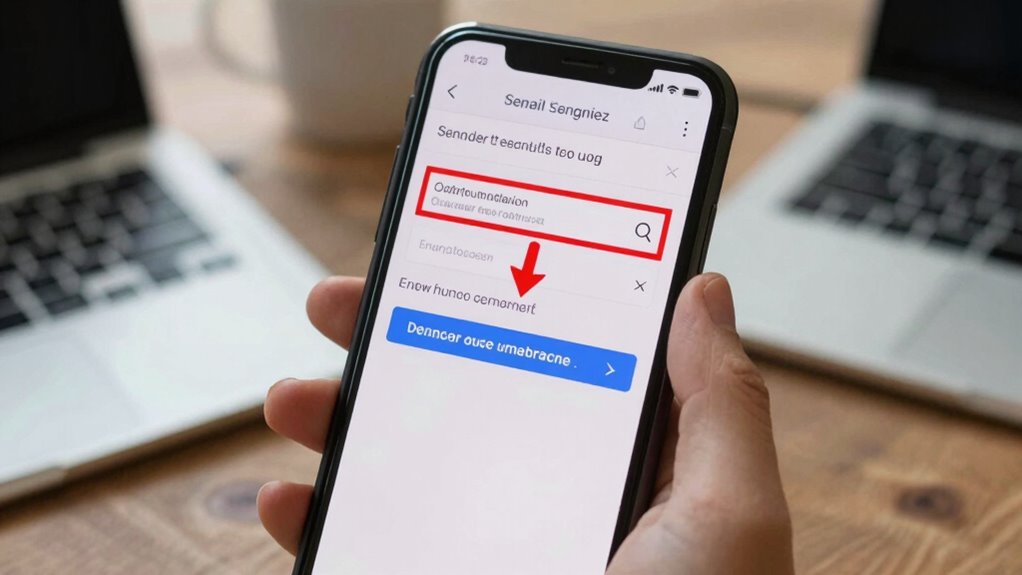
Recognizing a phishing attempt requires vigilance. Watch for sender address mismatches, domain spoofing, or lookalike URLs. Be suspicious of urgent language, threats of account suspension, or requests for immediate payment or gift cards. Unexpected attachments, especially ZIP files, Office macros, or APKs, are red flags. Links shortened with URL shorteners or embedded QR codes should raise suspicion, especially if they lead you off official channels. Requests to reply via unofficial messaging apps or call suspicious numbers are common tactics to escalate fraud. Poor HTTPS indicators, mismatched TLS certificates, or pages asking for passwords or multi-factor codes are strong warning signs.
Defense is vital. Use multi-factor authentication, secure email gateways, and advanced filtering tools. Regular phishing simulations and user reporting programs improve detection and reduce successful click-throughs. Always verify unexpected requests for money or sensitive info through trusted channels before acting. If you suspect a scam, report it immediately to your security team or anti-phishing services. If you’ve entered credentials or clicked a suspicious link, change your passwords, revoke sessions, and scan devices for malware. Preserving evidence like email headers, URLs, and message sources helps in incident response. Staying alert and cautious can help you avoid becoming another victim in this ever-expanding threat landscape.
Frequently Asked Questions
How Can I Verify if an Email Is Genuinely From My Bank?
To verify if an email is genuinely from your bank, check the sender’s email address carefully for discrepancies or lookalike domains. Avoid clicking links; instead, type your bank’s official website directly into your browser. Look for signs like urgent language or suspicious attachments. Contact your bank using a trusted phone number or app to confirm the message’s authenticity. Always report suspicious emails to your bank’s security team.
What Are the Best Tools to Detect Phishing Websites?
Think of your tools as a security guard at the gate. Use browser extensions like URLVoid or VirusTotal to scan suspicious sites quickly. Enable Web of Trust (WOT) or similar services for real-time reputation checking. Employ DNS filtering tools like Cisco Umbrella. Always verify the site’s SSL certificate and look for mismatched domain names. Combining these tools helps you catch fake sites before they can compromise your data.
How Often Should I Update My Security Credentials?
You should update your security credentials at least every three to six months. Regularly changing passwords reduces the risk of unauthorized access, especially after potential breaches or suspicious activity. Use strong, unique passwords for each account, and enable multi-factor authentication whenever possible. If you notice any signs of compromise, update your credentials immediately. Keeping your passwords fresh and secure helps protect your personal information from the increasing sophistication of phishing attacks.
Can Ai-Generated Content Always Be Trusted?
You shouldn’t trust AI-generated content blindly. While AI can produce convincing text, scammers use it to craft personalized, realistic messages that can deceive you. Always verify the source before trusting or acting on AI content. Check for red flags like urgent language, unexpected requests, or suspicious links. Remember, AI is a tool; your best defense is critical thinking and verifying information through official channels before responding.
What Steps Should I Take After Clicking a Suspicious Link?
When you click a suspicious link, you’ve opened a digital Pandora’s box. Act quickly: disconnect from the internet to contain potential malware, run a full antivirus scan, and change your passwords across all relevant accounts. Enable multi-factor authentication for added protection. Report the incident to your security team or provider, and document everything—screenshots, URLs, and email headers—to help contain damage and assist investigations. Time is your best defense.
Conclusion
Now that you know the secrets behind phishing scams, you can navigate the digital world a bit more smoothly. Think of it as sharpening your sixth sense—trust your instincts, stay cautious, and pause before clicking. Remember, a little extra attention can save you from a potential storm. Keep your guard up and enjoy your online journey with confidence, knowing you’re better prepared to spot those sneaky little tricks before they have a chance to catch you off guard.