
To create strong and secure passwords, combine uppercase and lowercase letters, numbers, and special characters. Aim for at least 12 characters and avoid using personal information like names or birthdates. Regularly update your passwords and use different ones for each account. Consider employing a password manager to generate and store complex passwords securely. Implement two-factor authentication (2FA) for added protection. Staying informed about best practices can further enhance your security.
Key Takeaways
- Create passwords with a minimum length of 12 characters, using a mix of uppercase, lowercase, numbers, and special characters for added complexity.
- Utilize a password manager to securely store and generate strong, random passwords, simplifying your password management process.
- Regularly update passwords every few months, or immediately after any suspicious activity or security breach notifications.
- Implement two-factor authentication (2FA) to add an extra layer of security, requiring a second verification method beyond just your password.
- Avoid reusing passwords across different accounts, and do not write them down in easily accessible places to enhance security.
Have you ever wondered how secure your online accounts really are? In today’s digital age, having strong passwords is essential for keeping your personal information safe. One of the first steps in ensuring your online security is understanding password complexity. A complex password is one that combines letters, numbers, and symbols, making it much harder for someone to guess or crack. Instead of using simple words or easily guessable information, like your name or birthdate, aim for a password that’s at least 12 characters long and includes a mix of uppercase and lowercase letters, numbers, and special characters. The more varied your password, the better your protection.
Understanding password complexity is crucial for online security; aim for a varied, 12-character password with letters, numbers, and symbols.
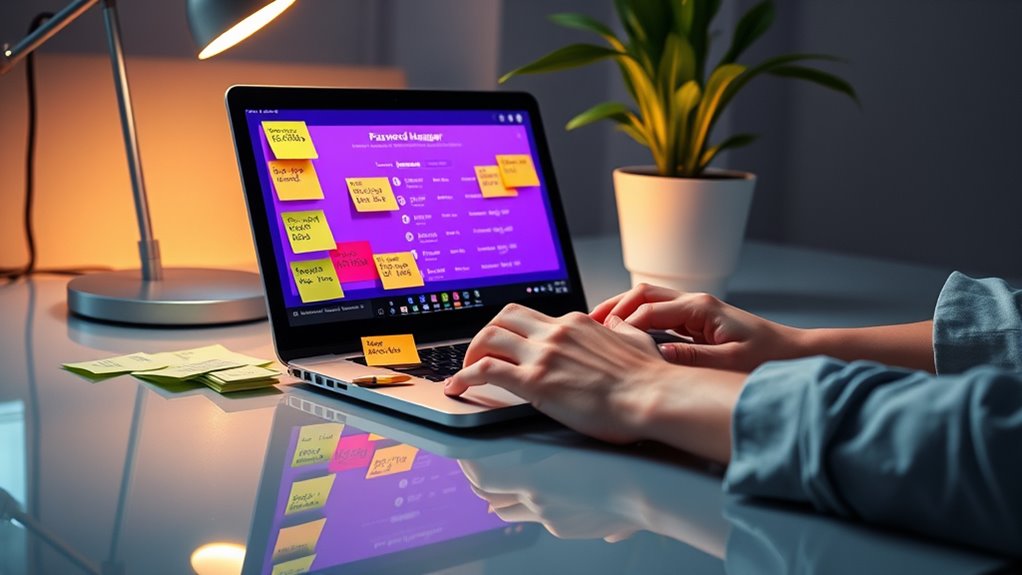
You might think it’s a hassle to create complex passwords, but it’s vital for effective password management. Using a password manager can simplify the process considerably. These tools not only store your passwords securely but also help generate strong, random passwords for you. This way, you don’t have to remember every single password for all your accounts. Just remember one master password to access the manager. This can save you time and improve security since you’re less likely to reuse passwords or write them down where someone could find them.
Another important aspect of password management is regularly updating your passwords. Even the strongest passwords can become vulnerable over time, especially if a service you use experiences a data breach. Make it a habit to change your passwords every few months, and don’t hesitate to change them immediately if you suspect any suspicious activity on your accounts. Always keep an eye out for any alerts or notifications from your services about potential security breaches as well.
Don’t forget about two-factor authentication. It adds an extra layer of security beyond just your password. Even if someone manages to get hold of your password, they won’t be able to access your account without that second factor, which is often a code sent to your phone or email. Additionally, consider implementing strong password strategies to further enhance your account security.
Frequently Asked Questions
How Often Should I Change My Passwords?
You should change your passwords every three to six months to maintain security. This password rotation frequency helps protect your accounts from unauthorized access. If you suspect a breach, change your password immediately. Some companies implement password expiration policies, prompting you to update your credentials regularly. Stay proactive and use unique passwords for different accounts to enhance your security further—it’s a simple step to safeguard your personal information effectively.
Can I Use the Same Password for Multiple Accounts?
You shouldn’t use the same password for multiple accounts. Password reuse puts your account security at risk, making it easier for hackers to access your information if one account gets compromised. Each of your accounts deserves a unique, strong password. This way, even if one password is stolen, your other accounts remain secure. Consider using a password manager to help you keep track of them without the hassle of remembering each one.
What Is the Best Password Manager?
The best password manager really depends on your needs, doesn’t it? Options like LastPass, 1Password, and Bitwarden stand out for their robust features. They offer secure password storage and even allow for safe password sharing with trusted contacts. When choosing, consider factors like ease of use, security features, and compatibility with your devices. Ultimately, a good password manager can simplify your digital life while keeping your accounts secure.
Are Passphrases More Secure Than Traditional Passwords?
Yes, passphrases can be more secure than traditional passwords due to their increased complexity. They often combine multiple words, making them harder to crack. However, you might face memorability challenges since longer passphrases can be tougher to remember. To overcome this, choose phrases that hold personal meaning or create a story, ensuring you can recall them easily while maintaining the complexity needed for strong security. It’s a balance you’ll want to achieve.
How Do I Recover a Forgotten Password Securely?
Imagine trying to open a treasure chest, but you’ve lost the key. To recover your forgotten password, you’ll need to follow the password reset process on the site. You’ll usually receive an email or text for account verification. Once you confirm your identity, you can create a new password. Just like forging a new key, make sure it’s strong to keep your treasure safe. Don’t forget to store it securely!
Conclusion
In a world where cyber threats lurk around every corner, your password is your first line of defense. The theory that complex passwords are too hard to remember is false; using phrases or a mix of words can create strong yet memorable passwords. By following best practices—like incorporating symbols, varying your password, and using a password manager—you’re not just protecting your accounts, but also your personal information. So, take action now and secure your digital life!