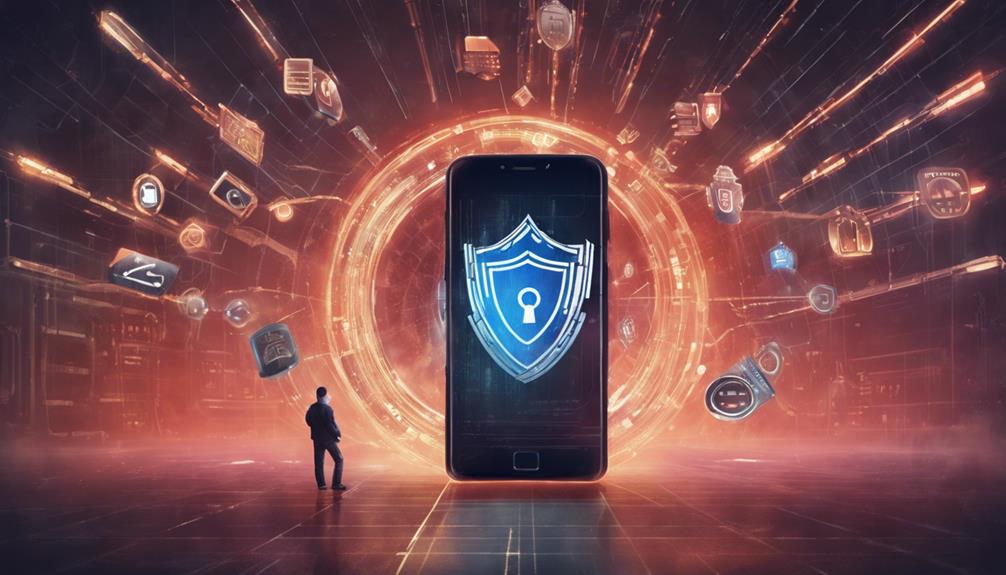

Protect your mobile device from hackers by setting strong, unique passwords and utilizing biometric authentication. Regularly update software to enhance security and enable app permissions from trusted sources only. Install mobile security apps like Lookout or Norton for added protection. Use VPN on public Wi-Fi networks, encrypt data, and back up information regularly. Implement two-factor authentication for increased security. To secure your mobile device effectively, follow these measures diligently.

Get privacy and security gear delivered free — and shop member deals
- Fast, free delivery on millions of items
- Access to Prime Big Deal Days deals on October 6–7
- Prime Video, Amazon Music and more included
Key Takeaways
- Use strong, unique passwords and enable biometric authentication.
- Regularly update software and enable automatic updates for security patches.
- Review and limit app permissions, stick to trusted sources, and audit permissions regularly.
- Utilize mobile security apps for malware scans, anti-theft measures, and two-factor authentication.
- Use VPN on public Wi-Fi, encrypt data, and regularly back up data for protection against hackers.
Password and Biometric Protection
How can you effectively safeguard your mobile device from hackers? Utilizing a strong, unique password and enabling biometric authentication are key measures to enhance security and protect against unauthorized access.
A strong password acts as the first line of defense, ensuring that only authorized users can access your device. It is essential to create a unique password that combines letters, numbers, and special characters to increase its complexity and reduce the likelihood of it being cracked by hackers.
In addition to a strong password, enabling biometric authentication such as fingerprint recognition or facial recognition provides an extra layer of security. Biometric data, such as unique fingerprint patterns or facial features, serve as personalized identifiers that are difficult to replicate, further protecting your mobile device from unauthorized access.
Regularly updating your password and biometric settings, along with utilizing a password manager to securely store and manage your credentials, are vital practices to safeguard your mobile device effectively.
Software and System Updates
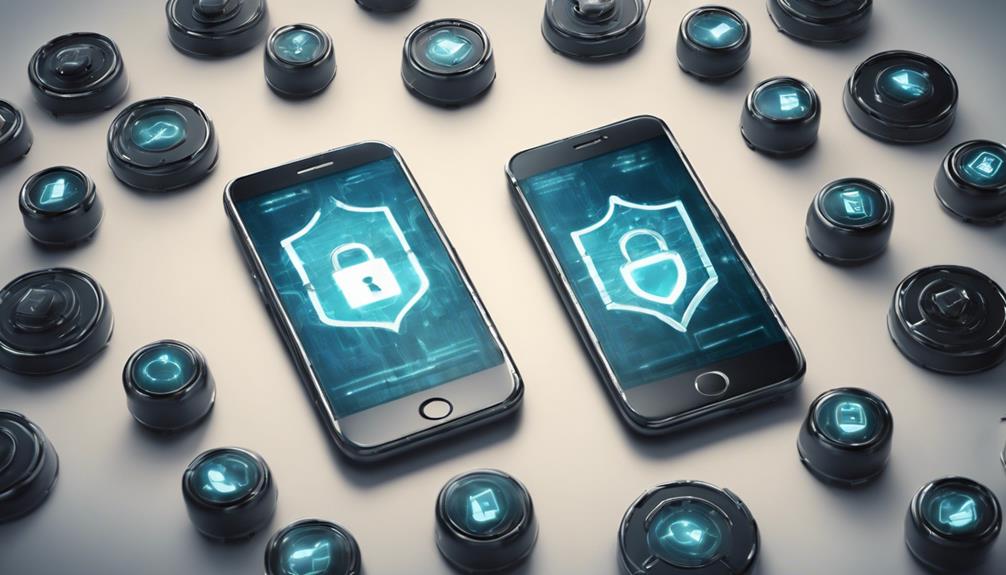
Regular software updates play an essential role in enhancing the security of your mobile device by providing essential security patches. These updates are vital in safeguarding your phone and data from security threats and hacking methods. Ensuring that your operating system and apps are up to date is imperative for maintaining the security of your mobile device. By regularly updating your software, you fortify your device against potential security breaches and vulnerabilities that hackers may exploit.
| Mobile Security Updates | Benefits |
|---|---|
| Regular software updates | Enhance security |
| Timely security patches | Protect against hacking methods |
| Updating apps | Address security weaknesses |
| Automatic updates | Prompt security features |
| Safeguarding data | Prevent security threats |
App Permissions and Trusted Sources
App permissions and reliance on trusted sources are vital considerations for safeguarding personal data and maintaining mobile security. It is essential to review and limit app permissions to prevent unauthorized access to sensitive information. When granting permissions, users should exercise caution and make sure that the permissions requested are essential for the app's intended functionality.
By sticking to trusted sources such as official app stores, individuals can reduce the risk of downloading malicious software that could compromise their device's security. Unauthorized app permissions pose a significant threat, potentially leading to data breaches and compromising user privacy.
To mitigate these risks, it is advisable to regularly audit and adjust app permissions to minimize the chances of unauthorized access to personal data. By being vigilant in managing app permissions and downloading apps only from reputable sources, individuals can enhance their mobile security and protect their privacy from potential threats.
Mobile Security App Utilization
When considering the protection of personal data on mobile devices, one effective strategy is the utilization of mobile security apps like Lookout, Norton Mobile Security, or Avast Mobile Security. These security apps offer real-time protection against malicious apps, phishing attempts, and other cyber threats, safeguarding your sensitive data and online accounts.
By keeping these apps up to date and running regular scans, you can enhance the security of your mobile device significantly. Additionally, features like malware scans, safe browsing tools, and anti-theft measures provided by these apps can help protect your phone from unauthorized access and potential data breaches.
Furthermore, some mobile security apps offer two-factor authentication options to add an extra layer of security to your online accounts. By incorporating mobile security apps into your device management routine, you can guarantee a higher level of protection for your personal data and maintain a secure mobile environment.
Wi-Fi Network and Data Backups
Securing your mobile device against potential threats involves safeguarding your data on Wi-Fi networks and implementing reliable data backup strategies. When connecting to public Wi-Fi networks, use a VPN to encrypt your data, making it harder for hackers to intercept sensitive information. Avoid conducting sensitive transactions on public Wi-Fi as hackers often target these networks to steal data. Regularly back up your phone data to secure cloud storage or an external device to prevent loss in case of hacking or theft. Enable automatic backups to ensure your data is consistently saved and easily recoverable. Utilizing security software like NordLocker for secure cloud storage and NordVPN for online protection can enhance your mobile security. Protect your information by taking proactive steps to encrypt data and back up regularly, reducing the risk of falling victim to cyber threats.
| Wi-Fi Network Security | Data Backup Strategies |
|---|---|
| Use VPN on public Wi-Fi networks | Regularly back up data |
| Avoid sensitive transactions on public Wi-Fi | Enable automatic backups |
| Encrypt data to prevent interception by hackers | Store data in secure cloud storage |
Frequently Asked Questions
Can You Protect My Phone From Hackers?
To protect your phone from hackers, employ strong passwords, biometric authentication, regular updates, caution with app downloads, two-factor authentication, and vigilance on public Wi-Fi. These practices enhance security and safeguard against unauthorized access and data breaches.
Where Can I Check if My Phone Is Hacked?
To determine if your phone is hacked, monitor for unusual activities, such as unknown apps or sudden changes in settings. Look for signs like rapid battery drain, overheating, or spikes in data usage. Check your phone bill for unauthorized charges.
Can You Remove a Hacker From Your Phone?
If you suspect your phone has been compromised by a hacker, immediate action is vital. Disconnect the device from the internet, contact your service provider, reset to factory settings, change all passwords, and enable two-factor authentication for enhanced security.
Can a Hacker View My Phone?
Can a hacker view my phone? Hackers exploit vulnerabilities in OS, apps, and networks to access personal data, photos, messages, and location. Protect your device with cautious app permissions, strong passwords, and regular updates to mitigate risks.
Conclusion
To sum up, safeguarding your mobile device from hackers requires a multi-faceted approach. This includes setting strong passwords, regularly updating software, limiting app permissions, utilizing mobile security apps, being cautious of Wi-Fi networks, and backing up data.
By implementing these measures, you can create a virtual fortress around your device, making it nearly impenetrable to cyber threats.
Remember, protecting your mobile device is not just a task, but a duty to safeguard your personal information and privacy.
Halloween Picks
halloween
As an affiliate, we earn on qualifying purchases.