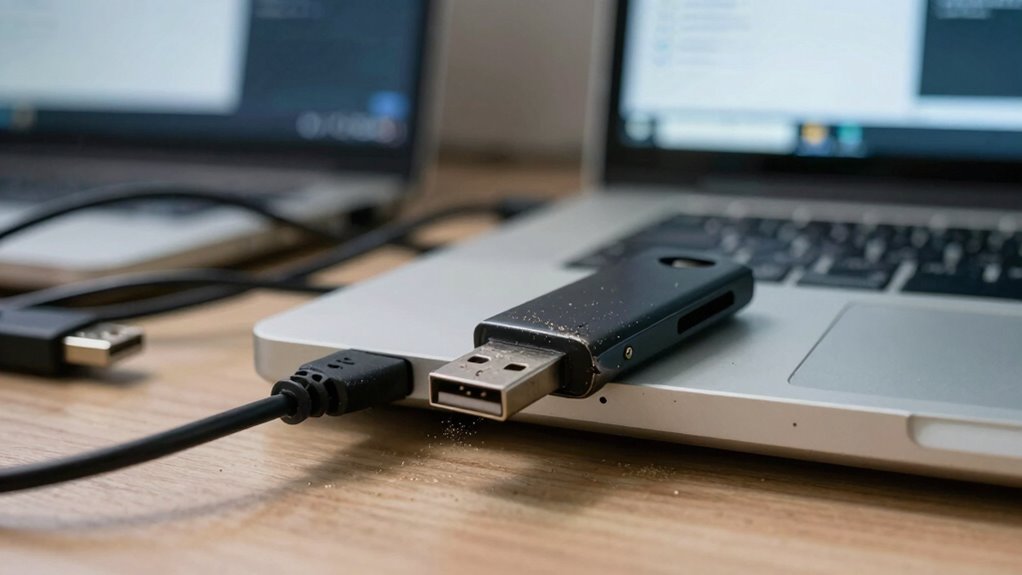

USB devices remain a security headache because they’re easy targets for malware, data theft, and unauthorized access. Hackers can hide malicious software in files or exploit auto-run features to infect systems silently. Many organizations struggle to enforce strict controls, making it tempting for users to bypass security measures. Despite knowing these risks, it’s difficult to fully manage USB usage without sacrificing convenience. If you want to understand more about how to protect yourself, keep exploring the options available.

Get privacy and security gear delivered free with Prime
- Fast, free delivery on millions of items
- Prime Video, Amazon Music and more included
- Member-only deals all year
Key Takeaways
- USB devices can introduce malware that silently infects systems, making detection difficult.
- They facilitate easy data theft of sensitive information, increasing breach risks.
- USB drives serve as vectors for spreading viruses and ransomware across networks.
- Lack of strict control and security protocols leads to vulnerabilities in device management.
- Balancing user convenience with robust security measures remains a complex challenge.
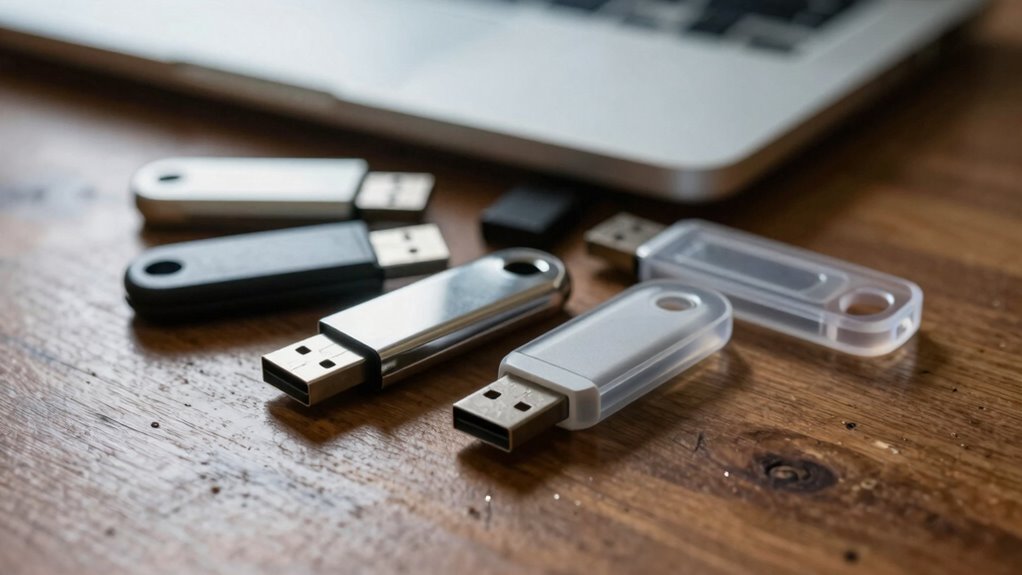
USB devices are a common way to transfer data quickly, but they also pose significant security risks that many overlook. While they offer convenience, they also open doors to threats like data theft and malware transmission. When you plug in a USB drive, you might think you’re simply moving files, but you’re also potentially introducing malicious software into your system. Cybercriminals often exploit this trust, disguising malware as legitimate files or hiding it within seemingly harmless documents. Once connected, these malicious programs can silently execute, giving hackers access to sensitive information or control over your device.
USB drives may be convenient but can secretly introduce malware and expose sensitive data to cybercriminals.
Data theft is a primary concern with USB devices. If your USB stick falls into the wrong hands, someone could copy confidential files, customer data, or proprietary information without your knowledge. This risk becomes even higher in shared work environments or public spaces where devices aren’t always secure. You might not realize that a lost or stolen USB could lead to significant breaches, especially if proper encryption or access controls aren’t in place. The ease of copying large amounts of data with a simple plug-in makes USBs an attractive tool for malicious actors seeking to exfiltrate information quickly and discreetly. Data exfiltration methods highlight just how vulnerable systems can be when proper security measures aren’t enforced.
Malware transmission is another critical threat tied to USB use. USB drives can act as vectors for viruses, ransomware, or spyware that infect your system upon connection. These infections can spread rapidly, corrupting files, disrupting operations, or even locking you out of your own data until you pay a ransom. What’s worse, malware can be designed to activate automatically when the drive is plugged in, making it easy for attackers to compromise your network without your immediate knowledge. This is why many organizations enforce strict policies on USB device usage, but compliance isn’t always perfect, especially when employees use personal drives or when security measures are lax. Recognizing that USB devices can serve as vectors for infection is crucial to understanding the importance of proper security protocols. Additionally, many security protocols have been developed specifically to detect and prevent such threats from spreading through USB connections. The lack of control over USB device usage often leaves organizations vulnerable to breaches, underscoring the importance of comprehensive policies and technical safeguards.
Furthermore, the lack of control over USB device usage in many environments can lead to unintentional security breaches, emphasizing the need for comprehensive policies and technical safeguards. Despite the risks, USB devices remain popular because of their simplicity and speed. The challenge is balancing convenience with security. To mitigate these threats, you need to implement strong policies, such as disabling USB ports on sensitive systems, encrypting data stored on drives, and conducting regular security training. Being cautious about what devices you connect and verifying their source can go a long way in preventing data theft and malware transmission. Ultimately, the ongoing reliance on USB devices keeps security headaches alive, requiring constant vigilance and proactive measures to protect your information and systems from unseen threats.
Products Worth Considering

Bose QuietComfort Wireless Bluetooth Headphones with Active Noise Cancellation, Mic, USB‑C Charging, Deep Bass, 24‑Hour Battery – White Smok
DJI Osmo Pocket 3 Vlogging Camera with 1-Inch CMOS Sensor and 4K Video

Apple iPad Air (2025) 13‑inch Wi‑Fi 256 GB – Space Gray (M3 chip)
As an affiliate, we earn on qualifying purchases.
Frequently Asked Questions
How Do Malware-Infected USB Devices Spread Across Networks?
Malware-infected USB devices spread across networks through malware propagation when you plug them into different computers. Once connected, the malware can infiltrate your system, then automatically transfer to other devices and network shares. This process enables network infiltration, as the malware moves silently, exploiting vulnerabilities. To prevent this, avoid using untrusted USBs, disable autorun features, and implement strict endpoint security measures to detect and block malicious activity.
Are There Hardware Solutions to Disable USB Ports Entirely?
Yes, hardware solutions can disable USB ports entirely. You can use port blocking tools that physically or electronically disable USB ports, preventing unauthorized access. Hardware whitelisting allows only pre-approved devices to connect, adding an extra layer of security. These solutions are effective for organizations needing strict control over USB usage, reducing the risk of malware spread or data theft. Combining port blocking with hardware whitelisting offers robust protection against USB-related security threats.
What Are the Latest Standards for Secure USB Device Authentication?
You’ll find that the latest standards for secure USB device authentication include protocols like FIDO2 and USB Type-C authentication, which use encrypted protocols for enhanced security. Biometric authentication, such as fingerprint scans, is increasingly integrated to verify users. Notably, over 80% of organizations now adopt multi-factor authentication, combining encrypted protocols and biometric data, to prevent unauthorized access and safeguard sensitive data effectively.
How Can Organizations Track USB Device Usage Effectively?
You can track USB device usage effectively by implementing device encryption and user authentication measures. Use centralized management tools to monitor connected devices, log their activity, and enforce policies. Regularly review logs to identify unusual access patterns, ensuring only authorized users access sensitive data. Combining these approaches helps you maintain control, detect potential threats early, and reduce the security risks associated with USB device usage.
What Are the Legal Implications of USB Security Breaches?
If a USB security breach occurs, you’re liable for legal consequences, including fines and lawsuits. You need to guarantee employee training emphasizes safe practices and enforce policies strictly to minimize risks. Imagine a breach like a leak in a dam—without proper training and enforcement, it can cause widespread damage. Staying compliant with data protection laws protects your organization from legal pitfalls and reinforces your commitment to cybersecurity.
Conclusion
So, next time you plug in a USB device, ask yourself: are you truly aware of the risks involved? With ongoing threats like malware and data breaches, USB devices remain a persistent security headache. You can’t afford to ignore the potential dangers or assume all devices are safe. Isn’t it time you took extra precautions? Staying vigilant and implementing proper security measures can help protect your sensitive information from falling into the wrong hands.