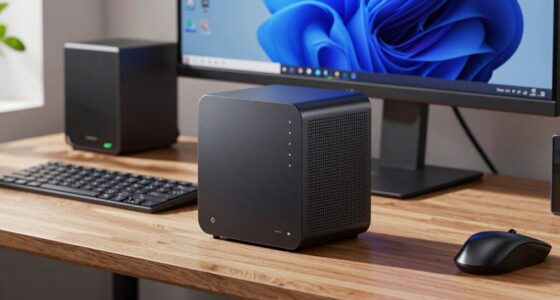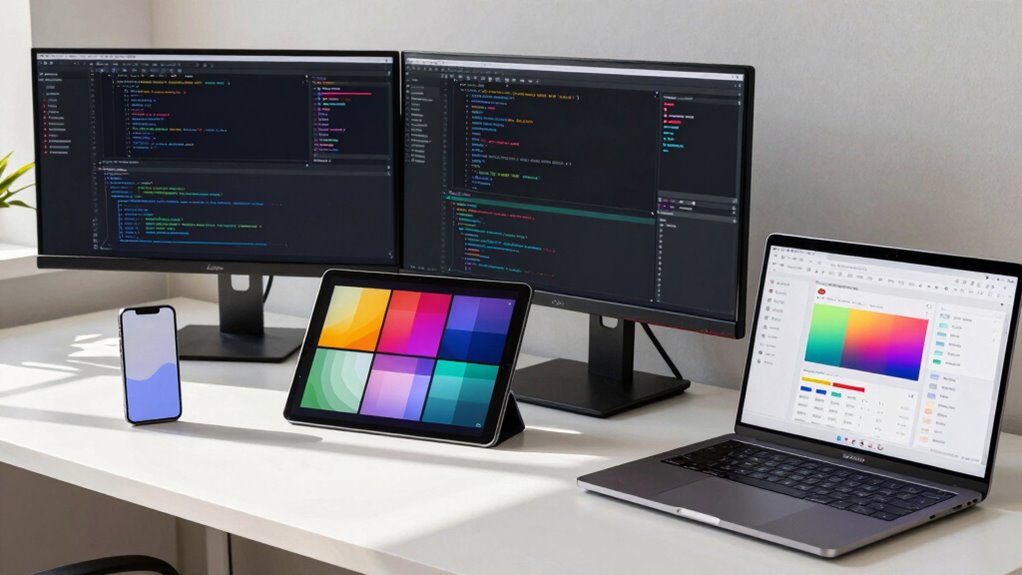

You’ll find developers focus on performance metrics like load times and compatibility across devices, ensuring the app runs smoothly and reliably. Meanwhile, designers prioritize visual usability, such as intuitive interfaces, accessibility, and aesthetic consistency. Their differing aims can sometimes clash but also complement each other when balanced well. Understanding these contrasting priorities helps you create digital solutions that are both technically sound and visually engaging. If you want to explore how these priorities align, keep going to uncover more insights.

Get privacy and security gear delivered free with Prime
- Fast, free delivery on millions of items
- Prime Video, Amazon Music and more included
- Member-only deals all year
Key Takeaways
- Developers focus on technical performance metrics like load times and responsiveness, which may conflict with designers’ emphasis on visual aesthetics.
- Designers prioritize visual consistency, accessibility, and user interactions that may require different device adaptations than developers target.
- Balancing technical optimization with visual and interactive design can create conflicting priorities across devices.
- Device diversity demands different focus areas: developers optimize for performance, while designers ensure usability and visual appeal.
- Collaboration challenges arise because developers and designers emphasize different aspects of device experience, requiring alignment for optimal results.
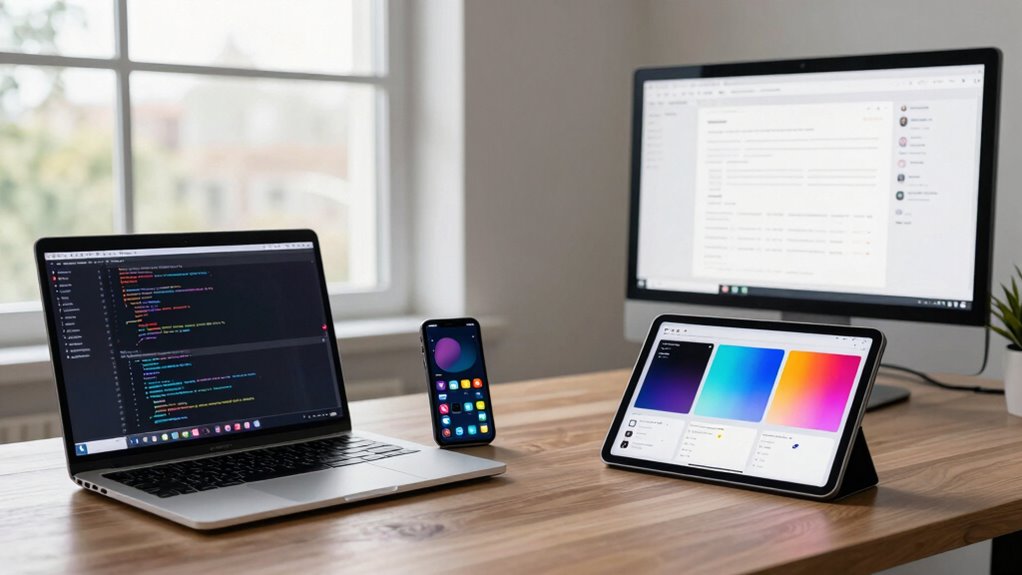
In today’s fast-paced digital landscape, understanding device priorities is essential for developers and designers aiming to deliver seamless user experiences. While both roles aim to create engaging, functional products, they often have different focuses when it comes to device priorities. Developers tend to prioritize technical performance, ensuring the application runs smoothly across various devices, while designers focus more on the visual and interactive aspects that influence user experience. Recognizing these differing priorities helps you craft solutions that are both technically sound and visually compelling, ultimately improving accessibility standards and broadening your audience reach.
Understanding device priorities enhances collaboration, ensuring accessible, high-quality experiences across all devices.
For developers, device priorities revolve around performance metrics such as load times, responsiveness, and compatibility. They’re concerned with how an app functions on different operating systems, screen sizes, and hardware configurations. This technical focus ensures that the core functionality remains intact regardless of the device used. Developers often prioritize optimizing code, managing memory usage, and reducing latency, all of which directly impact user experience. When performance is swift and reliable, users are more likely to stay engaged, which is a fundamental aspect of accessibility standards—making sure everyone can access and use your product without frustration. Additionally, cross-device compatibility is crucial for maintaining a consistent user experience across the diverse range of devices on the market. Building for multiple devices also requires understanding device diversity, which influences how you approach development and testing. Incorporating performance optimization strategies is vital for achieving these goals effectively. A comprehensive understanding of device capabilities can further help tailor solutions that meet varied user needs.
Designers, on the other hand, tend to prioritize the user experience from a visual and interactive standpoint. Their focus is on creating intuitive interfaces that adapt to various devices and screen sizes. They consider accessibility standards by ensuring that visual elements are legible, touch targets are appropriately sized, and navigation is straightforward. For them, device priorities include responsive design, aesthetic consistency, and ease of use, which directly influence how accessible and inclusive the product feels. When designing for different devices, they aim to mitigate barriers that users with disabilities or different device capabilities might face, emphasizing inclusivity and ease of access.
Both roles, however, need to align their priorities for the best results. Misalignment can lead to products that are technically sound but lack intuitive usability or products that look great but perform poorly. By understanding that developers focus on performance and functionality while designers emphasize usability and accessibility, you can foster collaboration that balances these priorities. This balance ensures that your product delivers a high-quality user experience across all devices and adheres to accessibility standards, making your digital solutions more inclusive, reliable, and user-friendly for everyone.
Products Worth Considering

LG UltraGear 32GX850A-B 32-inch 4K UHD Glossy OLED Gaming Monitor

DJI Mic 3 Wireless Microphone Kit (2 Transmitters, 1 Receiver, Charging Case)

DJI Mic 2 Wireless Microphone System (2 Transmitters, Receiver, Charging Case)
As an affiliate, we earn on qualifying purchases.
Frequently Asked Questions
How Do Device Priorities Change Across Different Industries?
In different industries, your device priorities shift based on industry-specific devices and their relevance. For example, healthcare requires high device compatibility with medical tools, while retail focuses on mobile devices for customer engagement. You need to adapt your approach, emphasizing industry-specific devices to guarantee seamless functionality. This way, your development aligns with user needs, ensuring peak performance and user experience across diverse sectors.
What Tools Help Manage Multiple Device Priorities Effectively?
Think of cross-platform testing and responsive design tools as your secret weapons. They help you juggle multiple device priorities efficiently. Tools like BrowserStack or Sauce Labs allow you to test your designs across various devices quickly. Responsive design tools such as Figma or Adobe XD enable you to craft adaptable layouts. These tools keep your projects on the same page, ensuring seamless user experiences no matter the device, so you’re always ahead of the game.
How Do User Demographics Influence Device Prioritization?
You should prioritize devices based on user demographics and behavior. Demographic targeting helps you focus on devices used by your main audience, whether it’s young users on smartphones or professionals on desktops. Analyzing user behavior reveals which devices they prefer for specific tasks, guiding your design and development choices. By aligning device priorities with these factors, you create a more tailored experience that effectively meets your users’ needs.
What Are Common Challenges in Balancing Device Priorities?
Did you know that 70% of users abandon a website if it doesn’t display well on their device? Balancing device priorities is tricky because screen size varies widely, making it hard to optimize layouts. Accessibility features add complexity, requiring you to guarantee content is usable for all users. You must find a compromise that maintains functionality and aesthetics across devices, which often involves trade-offs and ongoing adjustments.
How Often Should Device Priorities Be Reassessed?
You should reassess device priorities regularly, ideally every few months, to keep up with evolving user behaviors. Incorporate adaptive testing to identify shifts in device usage and guarantee your designs stay relevant. Priority recalibration helps you optimize user experience across devices, preventing stagnation. By routinely updating priorities, you respond swiftly to changes, maintain engagement, and deliver seamless experiences tailored to your audience’s current needs.
Conclusion
Think of developers and designers as two different chefs in a busy kitchen. Developers focus on the main course—functionality and performance—while designers curate the presentation, ensuring it’s visually appealing. Both roles need different device priorities to serve up the perfect dish. By understanding these differences, you create a seamless experience that delights both the eye and the code. When you balance these priorities, you turn a simple meal into a memorable feast for your users.