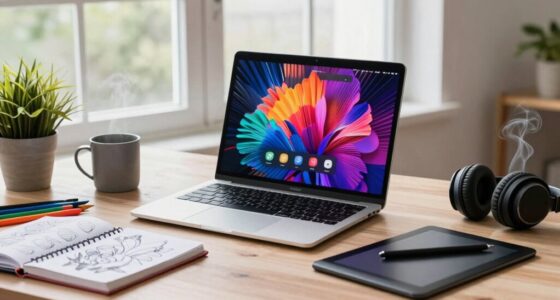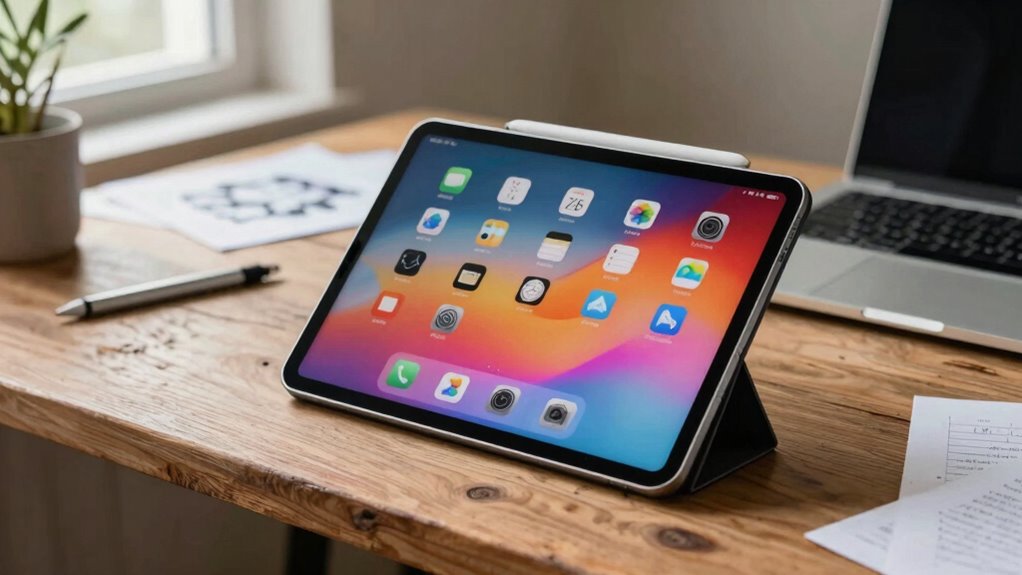

In a laptop-first world, tablets still matter because they offer unmatched portability and ease of use. You can quickly jot down notes, sketch ideas, or capture inspirations on the go. Their intuitive interfaces and stylus support make creative tasks simple, while syncing across devices keeps everything organized. Tablets complement laptops perfectly, giving you instant access to ideas and tools whenever you need them. Keep exploring to discover why these versatile devices remain essential for your productivity and creativity.

Get privacy and security gear delivered free with Prime
- Fast, free delivery on millions of items
- Prime Video, Amazon Music and more included
- Member-only deals all year
Key Takeaways
- Tablets offer unmatched portability and quick access for note-taking, sketching, and spontaneous creativity on the go.
- They excel in digital note organization, search, and editing, enhancing productivity beyond traditional paper.
- Tablets provide a responsive, portable canvas for drawing, designing, and artistic pursuits anywhere.
- Intuitive touch interfaces and ecosystem integration make tablets accessible for users of all tech skill levels.
- They serve as essential complementary devices, bridging the gap between traditional laptops and creative or casual use.
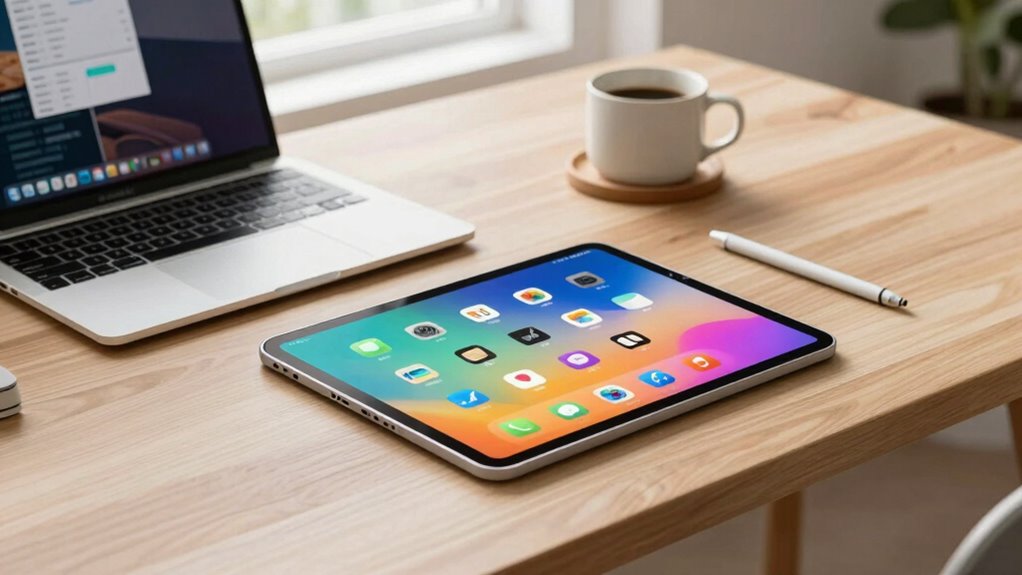
Despite the dominance of laptops, tablets remain an essential tool in today’s tech landscape because they offer portability, ease of use, and flexibility that laptops often can’t match. When it comes to digital note taking, tablets shine. Instead of flipping open a bulky laptop, you can quickly jot down ideas, meeting notes, or reminders directly on your tablet’s touchscreen. The convenience of stylus support makes handwriting feel natural, which is especially helpful when you want to quickly capture thoughts or sketches without switching between apps or dealing with keyboard shortcuts. Plus, digital note taking on tablets allows you to organize, search, and edit your notes effortlessly, making it a practical alternative to traditional pen and paper or desktop notes.
Beyond note taking, tablets excel in creative drawing. If you enjoy illustrating, designing, or just doodling, a tablet provides a responsive, portable canvas. The pressure-sensitive stylus enables detailed strokes and shading, giving you the precision you need for artwork or design projects. Unlike laptops, which can be cumbersome for sketching, tablets let you draw comfortably anywhere—whether you’re commuting, relaxing at home, or waiting in line. Many creative apps optimized for tablets offer a wide range of tools, brushes, and layers, empowering you to bring your ideas to life with ease. This flexibility makes tablets a favorite among artists and hobbyists who want to practice or experiment without investing in bulky equipment.
Another advantage is the intuitive interface of tablets, which makes digital note taking and creative drawing accessible even if you’re not tech-savvy. The touch screen responds instantly, and the user-friendly apps streamline workflows, so you can focus on your creativity or ideas rather than navigating complex software. The portability means you don’t have to lug around a heavy laptop just to capture a spontaneous idea or sketch. Instead, you can pull out your tablet, jot down notes, or start a drawing wherever you are, seamlessly integrating into your daily routine. This ease of use is partly due to touchscreen responsiveness, which enhances the overall experience. Additionally, the digital note-taking process often involves synchronization across devices, ensuring your notes are accessible whenever needed. Recognizing the importance of software ecosystem, many tablets offer robust app stores and compatibility with various peripherals, further enhancing their versatility. As technology continues to evolve, tablets increasingly incorporate advanced hardware like better processors and display technology, further bridging the gap with traditional laptops. Moreover, the continually expanding ecosystem of accessories, such as keyboards and styluses, enhances their functionality and usability, making tablets even more versatile tools for both work and play.
While laptops still dominate for productivity tasks like typing lengthy documents or running heavy software, tablets fill a unique niche. They combine the tactile experience of pen and paper with the power of digital tools, making them indispensable for creative pursuits and quick note taking. In a world that often prioritizes power and size, tablets remind us that sometimes, simplicity, flexibility, and instant access matter most. They’re not just secondary devices—they’re crucial complements that keep your ideas flowing, your creativity alive, and your productivity at your fingertips.
As an affiliate, we earn on qualifying purchases.
Frequently Asked Questions
How Do Tablets Compare in Performance to Modern Laptops?
Tablets generally offer less power than modern laptops, but they excel in touchscreen versatility and portability advantages. You can easily switch between tasks, enjoy a more intuitive interface, and carry them around effortlessly. While laptops handle demanding workloads better, tablets are perfect for browsing, media consumption, and quick note-taking. If you prioritize convenience and flexibility, a tablet’s performance combined with its portability makes it a valuable device, even in a laptop-first world.
Are Tablets More Affordable Than Laptops for Everyday Use?
Yes, tablets are generally more affordable than laptops for everyday use, especially if you’re looking at budget options. They often come at lower prices, making them ideal for basic tasks like browsing, streaming, and light work. While tablets might have limited upgrade potential compared to laptops, they’re a cost-effective choice for casual users who don’t need extensive hardware upgrades. This makes them a smart, budget-friendly option for daily activities.
Can Tablets Replace Laptops for Professional Work?
In a world where tablets are the new pocket-sized Swiss Army knives, they can replace laptops for some professional tasks. You can use digital note-taking apps, sketch ideas, and leverage accessibility features like voice recognition. However, for complex projects, multitasking, or heavy-duty software, tablets might fall short. While they’re versatile, laptops still hold the edge for demanding work, but tablets offer portability and convenience that can’t be ignored.
What Are the Best Tablets for Creative Tasks?
If you’re looking for the best tablets for creative tasks, consider models offering great stylus precision and compatibility with creative software. The iPad Pro stands out, thanks to its smooth Apple Pencil and powerful apps like Procreate and Adobe Photoshop. Samsung Galaxy Tab S8 Ultra also shines, with its responsive S Pen and robust Android creative tools. Both deliver the precision and software support you need for drawing, designing, and editing on the go.
How Do Battery Lives Differ Between Tablets and Laptops?
Battery lives differ significantly between tablets and laptops. Tablets generally offer better battery longevity due to their smaller screens and high power efficiency, often lasting 8-12 hours on a single charge. Laptops, with larger displays and more demanding hardware, tend to have shorter battery life, typically around 4-8 hours. Your choice depends on how long you need power efficiency and extended use without recharging.
stylus compatible drawing tablet
As an affiliate, we earn on qualifying purchases.
As an affiliate, we earn on qualifying purchases.
Conclusion
So, next time you’re debating whether to grab your tablet or laptop, remember that each has its own unique perks. Tablets offer flexibility and convenience, perfect for quick tasks or creative bursts. Don’t you think having a device that adapts to your needs makes your tech setup all the more powerful? In a laptop-first world, tablets still carve out their own special place—ready to jump in whenever you need a lighter, more portable option.
tablet with digital note organization
As an affiliate, we earn on qualifying purchases.
As an affiliate, we earn on qualifying purchases.
portable creative drawing tablet
As an affiliate, we earn on qualifying purchases.
As an affiliate, we earn on qualifying purchases.
Halloween Picks
halloween
As an affiliate, we earn on qualifying purchases.