
Premium monitors boost your comfort just as much as visual quality by offering ergonomic adjustments like height, tilt, swivel, and pivot, so you can set them at eye level to maintain a neutral posture. They also incorporate eye-friendly features such as flicker-free tech, low blue light modes, and anti-glare coatings, helping reduce eye strain and fatigue. Designed for stability and long-term use, these features work together to create a healthier workspace—there’s more to uncover if you keep exploring.

Get privacy and security gear delivered free — and shop member deals
- Fast, free delivery on millions of items
- Access to Prime Big Deal Days deals on October 6–7
- Prime Video, Amazon Music and more included
Key Takeaways
- Premium monitors typically feature advanced ergonomic adjustments, promoting better posture and reducing strain during extended use.
- They incorporate eye strain reduction technologies, enhancing comfort alongside visual clarity.
- Larger, higher-resolution screens with anti-glare coatings lower the effort needed for comfortable viewing.
- Superior build quality ensures stable, customizable positioning that supports long-term ergonomic health.
- Design principles in premium models synergize visual quality and user comfort for a healthier workspace experience.
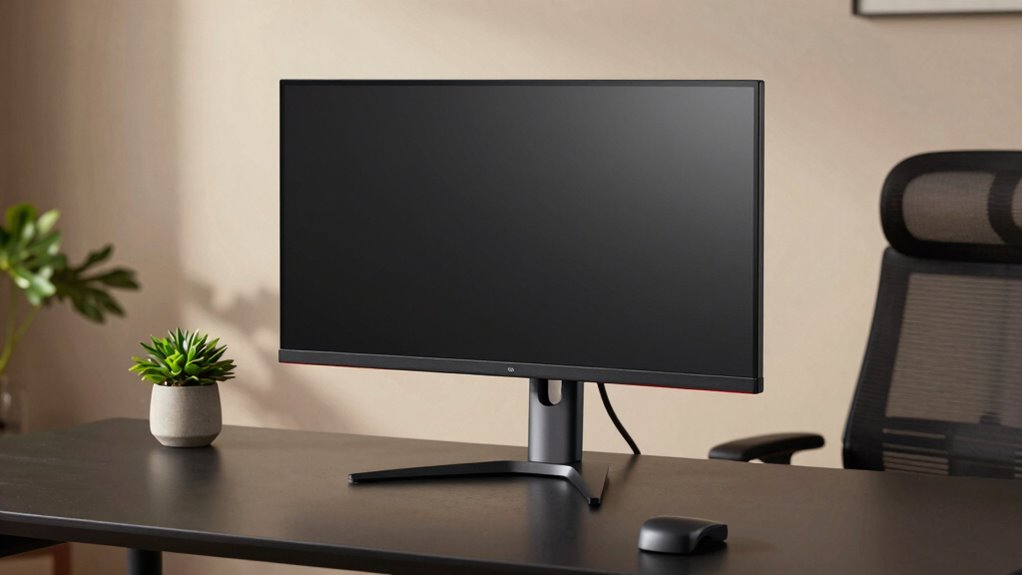
When you spend hours in front of a screen, the quality of your monitor can make a meaningful difference in your comfort. Premium monitors are designed with features that support your posture and reduce physical discomfort, making them more than just about visual clarity. One of the key benefits is their range of ergonomic adjustments—things like height, tilt, swivel, and pivot. These adjustments allow you to position the monitor perfectly for your body, helping you maintain a neutral, relaxed posture. When your monitor is at eye level and you’re not forced to crane your neck or hunch over, you’ll notice less tension in your shoulders and neck after a long work session.
Beyond physical posture, premium monitors also address eye strain, a common issue for anyone who spends a lot of time staring at screens. These monitors often feature flicker-free technology and low blue light modes, which considerably cut down the fatigue and discomfort caused by prolonged exposure to bright screens. The higher quality panels used in premium displays tend to have better color accuracy and contrast, which means your eyes don’t have to work as hard to distinguish details or adjust to different lighting conditions. As a result, you’ll experience less eye fatigue, headaches, and dryness, especially during extended use.
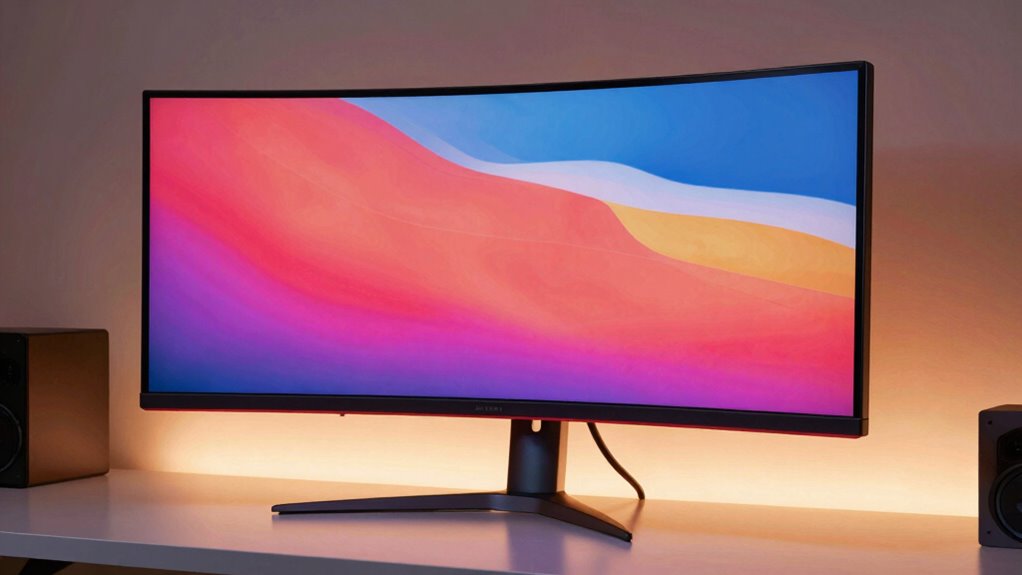
In addition to ergonomic adjustments and eye health features, premium monitors usually boast larger screens with higher resolutions, providing more space to work comfortably. This extra space means you can view multiple windows side by side without overcrowding, reducing the need to squint or shift your gaze constantly. Many premium models also come with anti-glare coatings, which minimize reflections and glare from external light sources—further reducing eye strain and increasing overall comfort. Incorporating ergonomic principles into monitor design helps ensure these features support your long-term health and comfort. Understanding ergonomic design can guide you in choosing a monitor that adapts well to your workspace and personal needs. Additionally, a well-designed monitor can help promote proper posture and prevent discomfort over time.
Choosing a premium monitor also means investing in build quality and stability. These monitors tend to have more durable stands and better overall construction, which helps keep your workspace tidy and your monitor steady during adjustments. When your monitor stays in place and adjusts smoothly, you’re less likely to strain yourself trying to reposition it repeatedly.
Furthermore, the ergonomic features incorporated into premium monitors are often based on principles of ergonomic design, which promote long-term health and comfort during extended use. Ultimately, a high-quality monitor isn’t just about sharper images or vibrant colors; it’s about creating a healthier, more comfortable workspace. By enabling ergonomic adjustments and reducing eye strain, premium monitors allow you to work longer and more comfortably without sacrificing your well-being.
ergonomic adjustable monitor stand
As an affiliate, we earn on qualifying purchases.
As an affiliate, we earn on qualifying purchases.
Frequently Asked Questions
Do Premium Monitors Reduce Eye Strain Better Than Standard Ones?
Yes, premium monitors often reduce eye strain better than standard ones. They feature blue light filters that lessen eye fatigue during long use, and flicker reduction technology minimizes flickering that can cause discomfort. These improvements help you work or play for extended periods without feeling as tired or strained. By reducing eye strain, premium monitors make your viewing experience more comfortable, especially during prolonged use.
Are Premium Monitors More Customizable for Ergonomic Setup?
Yes, premium monitors are more customizable for ergonomic setup. You can adjust height, tilt, and swivel easily, ensuring a comfortable viewing position. They often feature better design aesthetics, blending function with style, and prioritize color accuracy, which helps reduce eye strain during long sessions. This level of customization allows you to optimize your workspace, making it more comfortable and tailored to your needs, whether for work or gaming.
How Do Premium Monitors Impact Long-Term Eye Health?
Premium monitors positively impact your long-term eye health by reducing eye strain through features like flicker reduction and blue light filters. These technologies minimize flickering and limit blue light exposure, which can cause discomfort, headaches, and sleep disruption over time. By using a premium monitor with these features, you help protect your eyes during prolonged use, promoting better eye health and reducing the risk of digital eye strain in the long run.
Do Premium Monitors Have Features for Better Posture Support?
Yes, premium monitors often include features that support better posture. They come with ergonomic accessories and adjustable stands, allowing you to customize the height, tilt, and swivel to fit your workspace perfectly. This helps reduce strain on your neck and back, encouraging a more comfortable sitting position. By adjusting your monitor to eye level, you promote better posture, which can improve overall comfort during long hours of use.
Are Premium Monitors Worth the Extra Cost for Comfort?
Imagine sitting comfortably at your desk, eyes relaxed, as vibrant colors and sharp contrast levels bring your screen to life. Premium monitors are worth the extra cost because they offer superior ergonomics and customizable features that boost comfort. Their precise color accuracy and high contrast reduce eye strain, making long hours more comfortable. If you value both visual quality and comfort, investing in a premium monitor can markedly improve your daily experience.
As an affiliate, we earn on qualifying purchases.
Conclusion
So, next time you’re upgrading your setup, consider a premium monitor not just for better visuals but for your comfort too. While some say the benefits are just marketing hype, evidence suggests higher-end screens reduce eye strain and improve posture—making your work or play more enjoyable. It’s worth testing the theory yourself. After all, investing in your comfort could boost both your productivity and your overall well-being in the long run.
As an affiliate, we earn on qualifying purchases.
high resolution ergonomic monitor
As an affiliate, we earn on qualifying purchases.
As an affiliate, we earn on qualifying purchases.
Halloween Picks
halloween
As an affiliate, we earn on qualifying purchases.