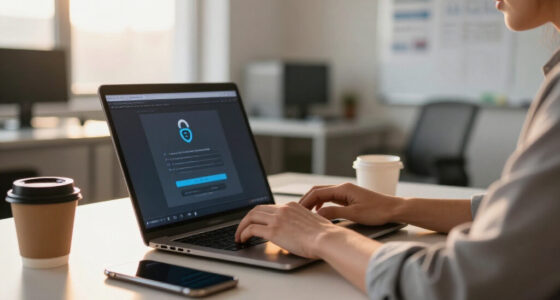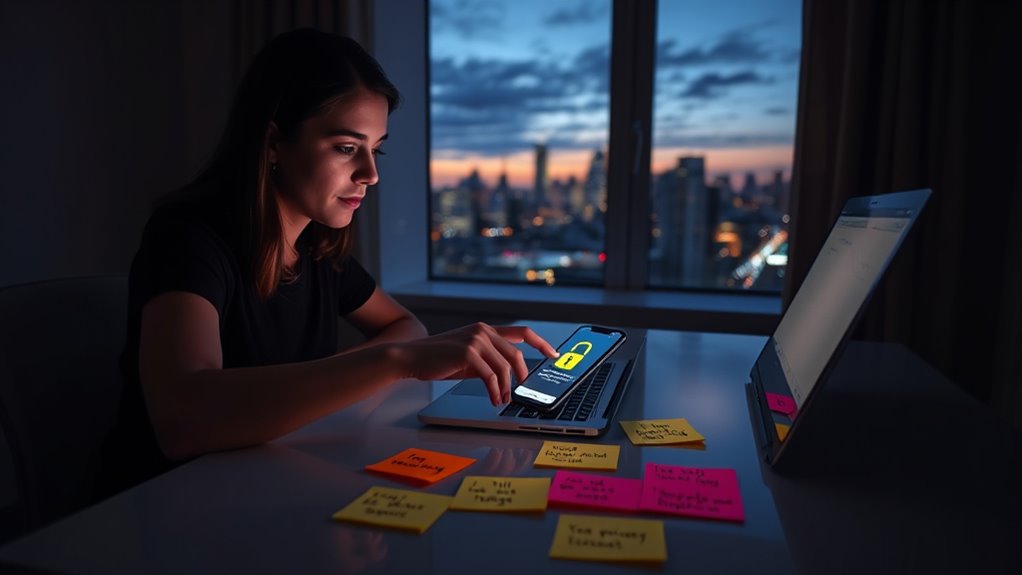

To stay safe on social platforms, review your privacy settings and make your profile private. Limit who can see your posts and friend requests, and regularly manage your friends list. Stay alert against phishing scams; don’t click unknown links. Use strong, complex passwords and enable two-factor authentication for extra security. Regularly update your passwords and consider using a password manager. Want to know more tips for enhancing your social media security?

Get privacy and security gear delivered free with Prime
- Fast, free delivery on millions of items
- Prime Video, Amazon Music and more included
- Member-only deals all year
Key Takeaways
- Adjust privacy settings to limit profile visibility and control who can see your posts and personal information.
- Enable two-factor authentication (2FA) for an added layer of security on your accounts.
- Regularly update and create strong, complex passwords to protect your social media accounts.
- Be vigilant against phishing scams; verify messages and avoid clicking on suspicious links.
- Regularly review and manage your friends list, removing unknown or suspicious contacts.

Have you ever wondered how secure your social media accounts really are? You might think that just having a password is enough, but the truth is, there’s a lot more to keeping your information safe. One of the first steps you should take is to review your privacy settings. Many platforms offer options that let you control who can see your posts, friend requests, and personal information. By adjusting these settings, you can substantially reduce the chances of unwanted attention or data breaches.
Review your privacy settings to control who sees your posts and personal information, enhancing your social media security.
It’s not just about what you can see; it’s also about who can see you. Make sure your profile isn’t set to public if you’re sharing sensitive information. You wouldn’t want strangers to have easy access to your photos or personal details. Be proactive and limit your visibility. Check your friends list and remove anyone who seems suspicious or who you don’t recognize. You might be surprised how many people are watching your online activity without your consent.
Another essential aspect of social media security is staying vigilant against phishing scams. Scammers often use social media to lure you into giving up your personal information. These scams can come in various forms, like fake messages from friends or enticing offers that seem too good to be true. You’ve got to be cautious when clicking on links or downloading files from unknown sources. Always verify the sender before taking any action. If something feels off, trust your instincts and don’t engage.
You should also enable two-factor authentication whenever possible. This adds an extra layer of security, making it harder for unauthorized users to access your account. With two-factor authentication, even if someone gets hold of your password, they’ll still need another piece of information to log in. It’s a simple yet effective way to protect your accounts.
Lastly, don’t forget to regularly update your passwords. A strong password can be a game-changer. Avoid using easily guessable information like birthdays or pet names. Instead, opt for a mix of letters, numbers, and symbols. Change your passwords every few months, and consider using a password manager to keep track of them. Additionally, many experts recommend using strong password guidelines to ensure your passwords are as secure as possible.
Frequently Asked Questions
How Can I Recover a Hacked Social Media Account?
To recover your hacked social media account, start by using the password recovery option on the login page. Follow the prompts, and be ready to verify your identity through email or phone. If you regain access, change your password immediately and enable two-factor authentication for added security. If you can’t recover it, contact the platform’s support team for further assistance. They can help you with account verification and additional recovery steps.
What Should I Do if Someone Impersonates Me Online?
If someone’s impersonating you online, act quickly. First, gather evidence—screenshots and links showing the impersonation. Report the account to the platform, citing identity theft and online fraud. Notify your friends and followers about the fake account to prevent confusion. You might also consider contacting law enforcement if the situation escalates. Finally, enhance your privacy settings to protect your real account and prevent future impersonations. Your safety and reputation are paramount!
Are Private Messages Really Private on Social Media?
Private messages aren’t always as private as you think. Many platforms have privacy concerns, especially if they don’t use strong encryption methods. While some services offer end-to-end encryption, meaning only you and the recipient can read the messages, others may allow third parties access. It’s crucial to check the privacy settings and understand the platform’s policies to guarantee your conversations remain secure. Stay informed and proactive about your privacy!
Can Social Media Usage Affect My Mental Health?
Can scrolling through endless feeds really boost your happiness? Social media usage can markedly affect your mental health, often leading to anxiety, depression, and low self-esteem. The constant comparison to others can create unrealistic expectations and feelings of inadequacy. A social media detox might help you regain balance, allowing you to reconnect with yourself and the real world. Remember, prioritizing your mental health is essential for your overall well-being.
How Do I Report Suspicious Activity on Social Media?
To report suspicious activity on social media, first, check your privacy settings to make certain they’re optimized. Then, look for the platform’s reporting procedures, usually found in the help or support section. When you spot something concerning, click on the report option associated with that post or profile. Provide any necessary details to help the team understand the issue. Taking these steps helps keep your experience safe and secure.
Conclusion
As you navigate the vibrant maze of social media, remember to shield your personal treasure. Just like a sturdy lock on a chest, strong passwords and privacy settings protect your valuable information. Keep your eyes peeled for phishing traps, much like avoiding quicksand in the wild. By staying vigilant and informed, you can enjoy the colorful connections while safeguarding your digital world. Your online presence should shine brightly, but only when it’s securely locked away from prying eyes.
Evergreen bestsellers Picks
bestsellers
As an affiliate, we earn on qualifying purchases.