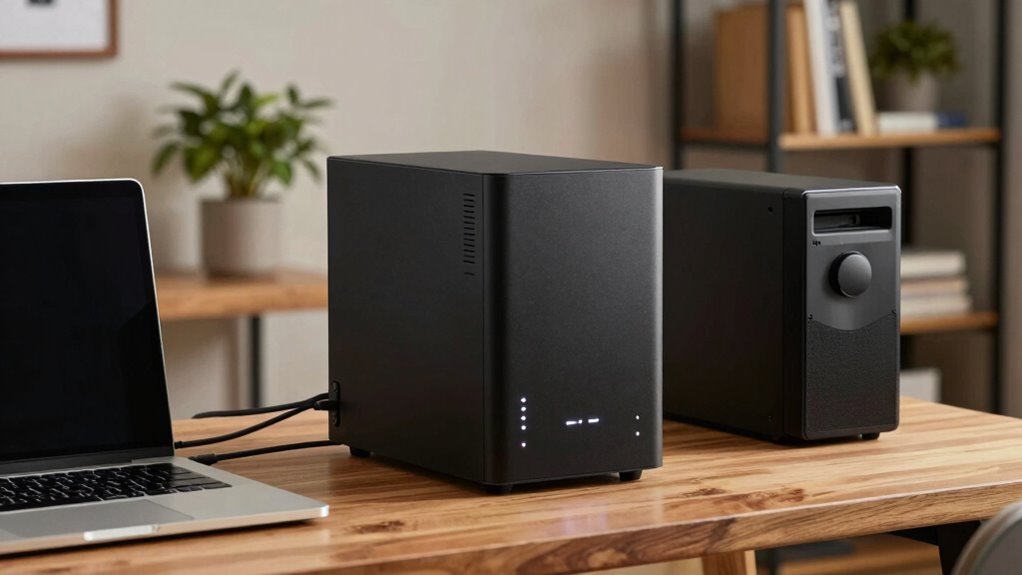
A NAS device acts as your central storage hub, making it easy to organize, access, and share data across your home or small team. You can back up files automatically, retrieve data from anywhere, and collaborate with others in real-time. It also offers security features like encryption to protect your photos, videos, and documents. By combining local storage with cloud integration, NAS provides reliable, accessible, and secure data management—keeping everything at your fingertips with more details to explore.
Key Takeaways
- Centralize and organize data for easy access by multiple users from any location.
- Enable remote access and cloud integration for seamless data sharing and backup.
- Protect data with security features, encryption, and automated backups.
- Support collaboration by allowing multiple users to access and edit files simultaneously.
- Scale storage capacity and upgrade hardware as needs grow.
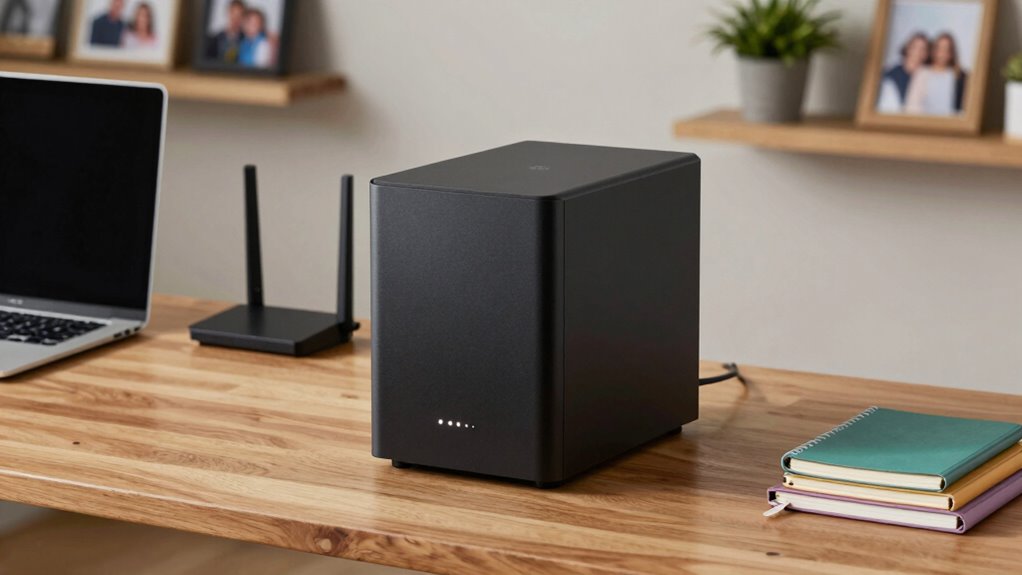
In today’s digital age, having a reliable and accessible storage solution is essential for both homes and small teams. NAS devices, or Network Attached Storage, serve as centralized hubs where you can store, organize, and access your data effortlessly. They’re designed to simplify data management, ensuring everyone in your household or team can reach what they need without hassle. One of the key benefits of these devices is their ability to integrate seamlessly with cloud services, allowing you to connect your local storage to cloud platforms for backup, remote access, and sharing. This cloud integration means you’re not limited to just your local network—you can retrieve files from anywhere, whether you’re at work, traveling, or relaxing at home. It also makes collaboration easier, as multiple users can access and work on files simultaneously from different locations.
Data security is another critical aspect NAS devices excel at. When you store everything on a NAS, you gain control over your data’s safety. Many devices come with built-in security features like encryption, user access controls, and automated backups, helping you protect sensitive information from theft or loss. For homes, this means safeguarding personal photos, videos, and important documents. For small teams, it ensures business data remains confidential and protected against cyber threats. Additionally, NAS devices often support RAID configurations, which provide redundancy—so if a drive fails, your data remains intact and accessible. This minimizes downtime and keeps your operations running smoothly. Furthermore, advances in data storage technology have continuously improved the reliability and capacity of NAS devices, making them an even more valuable asset for secure data management. Incorporating advanced hardware features can further enhance performance and data protection, ensuring your device scales with your needs. Moreover, many NAS solutions include automated backup options, simplifying the process of maintaining data integrity and recovery. Regular firmware updates also play a crucial role in keeping your device protected against emerging threats.
Using a NAS device also means you avoid the pitfalls of external drives or cloud-only solutions. External drives can be misplaced or damaged, and relying solely on cloud storage can become costly and dependent on third-party providers. Combining local storage with cloud integration offers a balanced approach, giving you quick access to your data while maintaining off-site backups for extra security. Plus, with features like remote management via apps or web interfaces, you can control and monitor your device from anywhere, ensuring your data is always within reach and protected.

BUFFALO LinkStation 710 4TB 1-Bay NAS Network Attached Storage with HDD Hard Drives Included NAS Storage that Works as Home Cloud or Network Storage Device for Home
Get enhanced features, cloud capabilities, MacOS 26 compatibility, and up to 7x faster performance than LS 200.
As an affiliate, we earn on qualifying purchases.
As an affiliate, we earn on qualifying purchases.
Frequently Asked Questions
Can NAS Devices Be Used for Streaming Media Across Devices?
Yes, NAS devices can be used for media streaming across devices. They support media streaming functions that let you access your movies, music, and photos from multiple devices. With device compatibility in mind, most NAS systems work seamlessly with smartphones, tablets, smart TVs, and computers. You simply set up the media server on the NAS, connect your devices, and enjoy your content anywhere in your home or even remotely.
How Secure Are NAS Devices From Cyber Threats?
NAS devices are fairly secure against cyber threats if you use proper encryption protocols and access control. You should enable encryption for data at rest and in transit, and set strict access controls with strong passwords and user permissions. Regular firmware updates also help patch vulnerabilities. While no system is completely foolproof, following these best practices greatly enhances your NAS security, protecting your files from unauthorized access and cyberattacks.
Do NAS Devices Require Technical Expertise to Set Up?
No, NAS devices generally don’t require extensive technical expertise to set up. They’re designed for a user-friendly setup, making it easy for you to get started without deep technical knowledge. While some technical complexity can arise if you want advanced configurations, most models come with intuitive interfaces and step-by-step guides. So, even if you’re not tech-savvy, you can usually get a NAS up and running smoothly.
Can NAS Devices Be Integrated With Cloud Storage Services?
Yes, NAS devices can be integrated with cloud storage services, enhancing your data management. You can set up cloud backup options to automatically save copies of your files to services like Google Drive or Dropbox. This integration also enables remote access, so you can securely access your files from anywhere. Combining NAS with cloud services offers a flexible, reliable way to safeguard your data and stay connected wherever you are.
What Is the Average Lifespan of a NAS Device?
Think of your NAS device as a reliable garden that needs tending; its average lifespan is around 3 to 5 years. During this time, data redundancy keeps your files safe, but hardware maintenance becomes essential to prevent breakdowns. With proper care, you extend its life, ensuring your data stays secure and accessible. Neglect, however, could turn your digital garden into a barren patch.

UGREEN NAS DH2300 2-Bay Desktop NASync, Support Capacity 64TB (Diskless), Remote Access, AI Photo Album, Beginner Friendly System, 4GB RAM on Board,1GbE, 4K HDMI, Network Attached Storage(Diskless)
Entry-level NAS Personal Storage:UGREEN NAS DH2300 is your first and best NAS made easy. It is designed for…
As an affiliate, we earn on qualifying purchases.
As an affiliate, we earn on qualifying purchases.
Conclusion
In fact, over 80% of small teams now rely on NAS devices to streamline their data management. With their ability to securely store, share, and back up files effortlessly, NAS devices truly transform how you handle your home or small business data. They’re more than just storage; they’re your reliable digital hub. So, if you haven’t considered one yet, it might be time to see how a NAS can simplify your life and boost productivity.

BUFFALO LinkStation 720 8TB 2-Bay Home Office Private Cloud Data Storage with Hard Drives Included/Computer Network Attached Storage/NAS Storage/Network Storage/Media Server/File Server
Get enhanced features, cloud capabilities, MacOS 26 compatibility, and up to 7x faster performance than LS 200.
As an affiliate, we earn on qualifying purchases.
As an affiliate, we earn on qualifying purchases.

Nero BackItUp – Data Backup Software | Automatic Backup, Data Recovery, Cloud Backup, Fully Automated | Lifetime License | 1 PC | Windows 11/10/8/7
✔️ One-time Payment, Lifetime Use: Unlike subscription-based services, pay once and enjoy lifetime use without recurring costs.
As an affiliate, we earn on qualifying purchases.
As an affiliate, we earn on qualifying purchases.