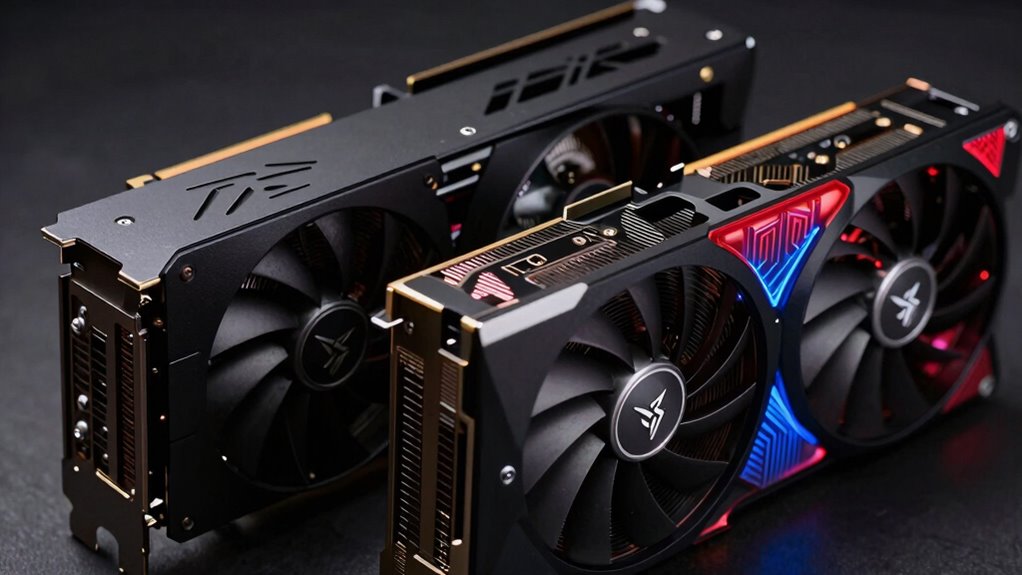

Workstation GPUs are designed for professional tasks like 3D rendering, CAD, and scientific simulations, focusing on stability, precision, and large memory capacity. Unlike gaming GPUs that prioritize speed, high frame rates, and visual effects, workstations emphasize reliability and support for complex calculations with certified drivers. If you want to understand how these differences impact performance and suitability for your needs, keep exploring the details behind their architecture and features.

Get privacy and security gear delivered free with Prime
- Fast, free delivery on millions of items
- Prime Video, Amazon Music and more included
- Member-only deals all year
Key Takeaways
- Workstation GPUs prioritize stability, accuracy, and certified driver support for professional applications, unlike gaming GPUs focused on speed and visual effects.
- They feature larger VRAM and handle complex calculations with higher precision, suitable for CAD, 3D modeling, and scientific simulations.
- Workstation GPUs support double-precision floating-point performance, essential for precise scientific and engineering tasks.
- Their drivers are extensively tested for stability and compatibility with professional software, whereas gaming GPU drivers optimize for frame rates.
- Hardware design emphasizes long-term reliability and dataset handling, while gaming GPUs focus on high clock speeds and high frame rate rendering.
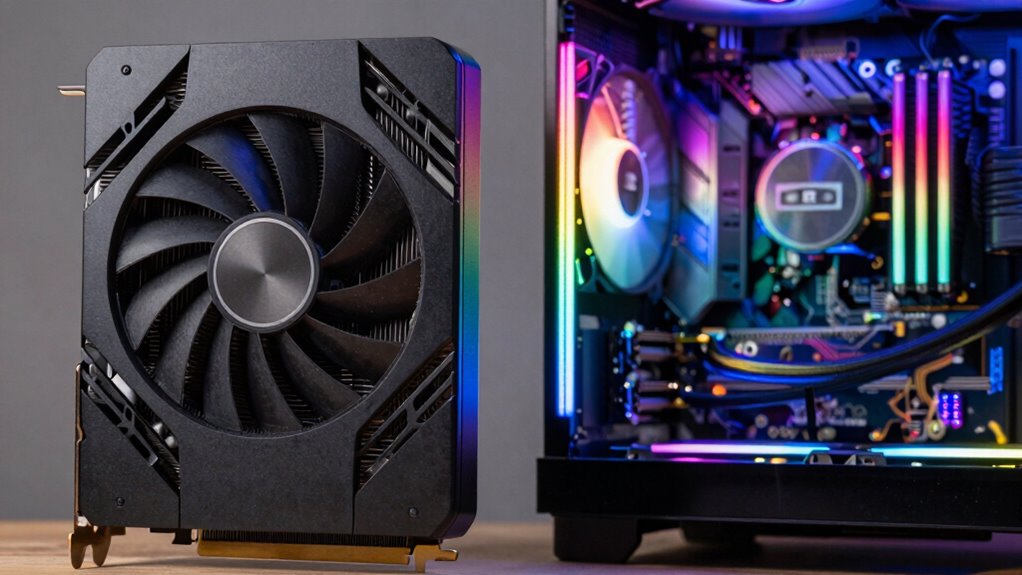
Are you trying to decide between a workstation GPU and a gaming GPU? The key differences come down to the underlying GPU architecture and how each is optimized through driver updates. Workstation GPUs are designed for professional tasks like 3D rendering, CAD work, and scientific simulations. They prioritize stability, precision, and reliability over raw speed. Gaming GPUs, on the other hand, are built to deliver high frame rates and smooth visuals for immersive gameplay. While they may seem similar on the surface, the way they’re engineered and optimized makes a huge difference.
Workstation GPUs focus on stability and precision, while gaming GPUs optimize speed and visuals for immersive gameplay.
The GPU architecture in workstation cards is often tailored to handle complex calculations and large datasets with greater accuracy. These architectures support features like double-precision floating-point performance, which is essential for scientific modeling and engineering tasks. Gaming GPUs focus more on single-precision performance, which is sufficient for rendering real-time graphics, but might fall short in precision-heavy professional applications. This fundamental difference influences the design choices, including core count, memory bandwidth, and thermal management. Workstation GPUs tend to have larger VRAM and focus on stability during prolonged use, whereas gaming GPUs prioritize high clock speeds and quick rendering of visuals.
Driver optimization further distinguishes these two types of GPUs. Workstation GPUs come with specialized drivers that are rigorously tested for stability and compatibility with professional software like AutoCAD or Maya. These drivers are optimized to ensure the software performs reliably, even under demanding workloads. They often include certifications from major software vendors, giving users confidence that the hardware will function flawlessly. Gaming GPU drivers, meanwhile, are optimized to push the limits of frame rates and visual effects in the latest games. They are frequently updated to improve performance and fix bugs, but their focus isn’t necessarily on stability during long, complex computations. Additionally, GPU architecture plays a crucial role in how each card performs under different workloads.
In essence, if your work involves precision, long-term stability, and compatibility with professional applications, a workstation GPU is the way to go. Its architecture and driver optimizations are tailored to meet those needs. If you’re gaming or doing activities that benefit from high frame rates and fast visuals, a gaming GPU is better suited, with its architecture optimized for speed and driver updates focused on maximizing performance in modern titles. Understanding these core differences helps you pick the right GPU for your specific tasks, saving you time and money in the process.
As an affiliate, we earn on qualifying purchases.
Frequently Asked Questions
How Do Workstation GPUS Handle Multitasking Compared to Gaming GPUS?
You’ll find that workstation GPUs handle multitasking better than gaming GPUs because they excel in graphics rendering and maintain high performance under demanding tasks. They’re optimized for stability and precision, allowing you to run multiple applications simultaneously without lag. Plus, they prioritize power efficiency during intensive workloads, ensuring your system stays cool and responsive, making them ideal for professional multitasking environments.
Are Workstation GPUS More Durable for Long-Term Professional Use?
Imagine a classic typewriter, built to last decades—workstation GPUs are similar in durability. They’re designed with superior manufacturing quality and focus on hardware longevity, making them more durable for long-term professional use. Unlike gaming GPUs, which prioritize speed and aesthetics, workstation GPUs undergo rigorous testing to guarantee consistent performance over years. This focus on quality means your workstation GPU can handle demanding tasks without breaking down prematurely, ensuring reliable productivity.
Can Gaming GPUS Be Used Effectively for Professional 3D Rendering?
You can use gaming GPUs for professional 3D rendering, but they might not be the best choice. Gaming GPUs often lack optimized overclocking stability needed for long rendering sessions, which can lead to crashes or errors. Plus, they tend to be less power-efficient under heavy workloads, potentially increasing energy costs and heat output. For consistent, reliable performance, especially in demanding tasks, workstation GPUs are typically more suitable.
What Are the Warranty Differences Between Workstation and Gaming GPUS?
Like a sturdy bridge, workstation GPUs often come with more extensive warranties than gaming GPUs. They typically offer longer coverage, emphasizing driver stability and hardware optimization, which are vital for professional tasks. Gaming GPUs may have shorter warranties focused on consumer use. Your choice affects support quality, so if you’re doing essential work, a workstation GPU’s warranty provides peace of mind, ensuring better service if issues arise.
Do Workstation GPUS Support More Professional Software Applications?
Yes, workstation GPUs support more professional software applications because they’re optimized for software like CAD, 3D rendering, and scientific simulations. You’ll notice better software optimization, which guarantees stability and accuracy. Plus, these GPUs are designed for power efficiency during intensive tasks, so you can work longer without overheating or performance drops. Overall, they’re tailored to meet the demands of professional workflows, making your tasks smoother and more reliable.
certified driver workstation graphics card
As an affiliate, we earn on qualifying purchases.
As an affiliate, we earn on qualifying purchases.
Conclusion
So, next time you’re torn between a gaming and a workstation GPU, remember—they’re like apples and oranges, designed for completely different worlds. Your gaming GPU might dazzle with flashy effects, but your workstation GPU’s built for precision and stability. Ironically, what makes one perfect for entertainment might be its weakness in professional tasks, and vice versa. Choose wisely—after all, it’s not just about gaming or work, but about investing in what truly matters for your needs.
As an affiliate, we earn on qualifying purchases.
As an affiliate, we earn on qualifying purchases.
Columbus Day / Indigenous Peoples' Day Picks
long weekend sales
As an affiliate, we earn on qualifying purchases.