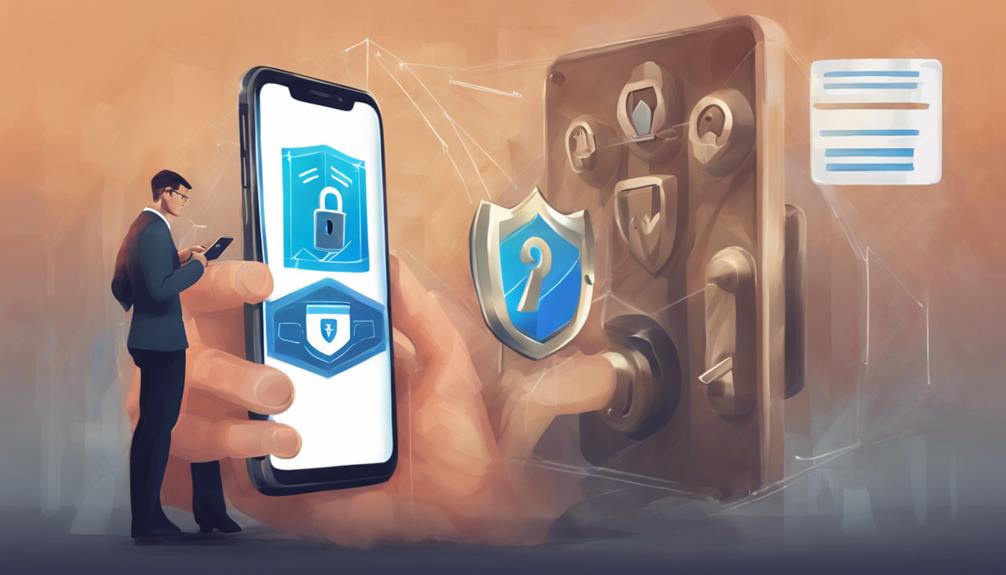

Protect your iPhone by utilizing hardware-based encryption, Apple's stringent App Store controls, and regular security updates. Be cautious of phishing attempts, malware, and vulnerabilities in iOS that may safeguard your device. Look out for signs of hacking like unusual battery drainage, unfamiliar apps, or unexpected charges. In case of a breach, run a malware scan, change passwords, and seek assistance from Apple Support. Enable two-factor authentication, update iOS regularly, and avoid suspicious links to enhance security. Utilize encrypted messaging apps, VPNs, and biometric authentication for added protection. Guarantee your iPhone's safety with proactive measures and prompt responses to potential threats.

Get privacy and security gear delivered free with Prime
- Fast, free delivery on millions of items
- Prime Video, Amazon Music and more included
- Member-only deals all year
Key Takeaways
- iPhone's hardware encryption enhances data security.
- Apple's App Store filters out malicious apps.
- Regular security patches protect against vulnerabilities.
- Stay vigilant against phishing and malware threats.
- Enable two-factor authentication for added protection.
Iphone Security Measures
When considering iPhone security measures, it is important to recognize the built-in features and protocols that safeguard the device against potential threats from hackers. iPhones benefit from hardware-based encryption, a fundamental aspect that fortifies the security of data stored on the device.
Additionally, Apple's stringent control over the App Store aids in preventing the distribution of malicious apps that could compromise iPhone security. Regular security patches and updates provided by Apple play a vital role in addressing vulnerabilities and enhancing the overall security of iPhones.
Despite these efforts, vulnerabilities in the iOS operating system persist, leaving room for potential risks of hacking and cyber threats. It's important for iPhone users to remain vigilant against various methods that hackers employ, such as phishing attacks, malware infiltration, and exploiting iOS weaknesses.
Recognizing Signs of Iphone Hacking

Recognizing signs of iPhone hacking can help users proactively safeguard their devices against potential security threats and breaches. Unusual battery drainage, overheating, and slower performance are common indicators of unauthorized access to your device.
If you notice unfamiliar apps on your iPhone or receive messages you didn't send to your contacts, these could be red flags of a security breach. Additionally, increased data usage, unexplained charges on your account, and unexpected pop-ups may signify that your iPhone has been compromised.
To further monitor your device, check for unrecognized device management profiles, abnormal camera or microphone activity, and suspicious changes in Wi-Fi settings. Regularly monitoring your iPhone for any signs of suspicious activity is essential.
If you suspect that your device has been hacked, it is important to take immediate action to protect your data and privacy.
Dealing With a Compromised Iphone

Addressing a compromised iPhone necessitates immediate action to mitigate potential risks and safeguard sensitive information stored on the device. When dealing with a compromised iPhone, consider the following steps:
- Run a malware scan: Conduct a thorough scan to detect and remove any malicious software that might have infiltrated your device.
- Change passwords: Update passwords for all critical accounts linked to your device to prevent further unauthorized access.
- Contact Apple Support: Seek guidance and assistance from Apple Support to secure your compromised iPhone effectively.
- Monitor activities: Keep a close eye on your Apple ID, credit cards, and online accounts for any signs of unauthorized activities or transactions.
Preventive Steps for Iphone Safety
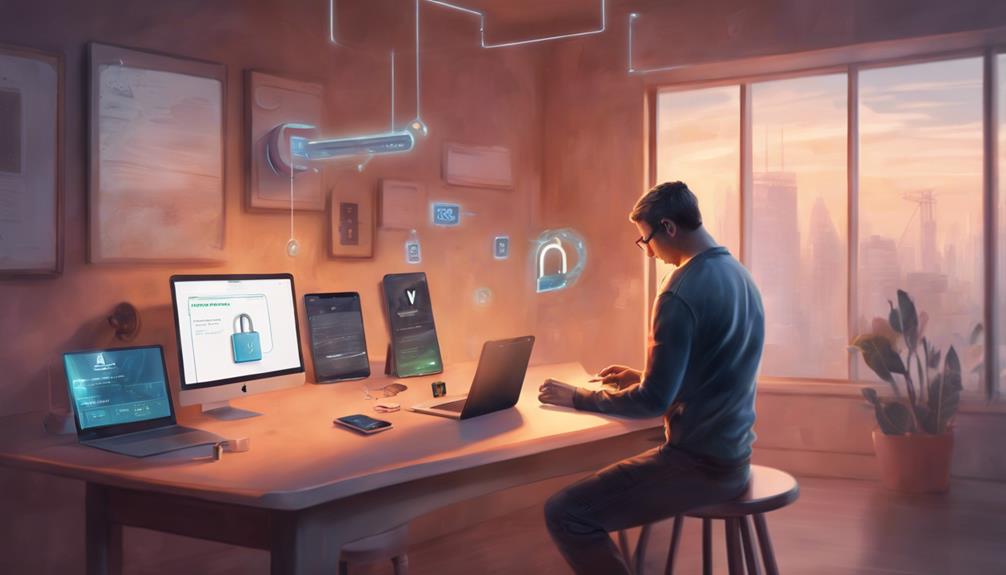
Implementing proactive measures is essential to enhance the safety and security of your iPhone. Enable two-factor authentication for your Apple ID to add an extra layer of protection against unauthorized access.
Regularly updating your iOS operating system is vital as it helps patch any security vulnerabilities that hackers could exploit. To prevent malware installation, avoid clicking on suspicious links and refrain from downloading apps from untrusted sources.
It is advisable to use a strong and unique passcode to safeguard your phone from potential breaches. When connecting to public Wi-Fi networks, exercise caution to prevent data interception by cybercriminals.
Best Apps for Iphone Security
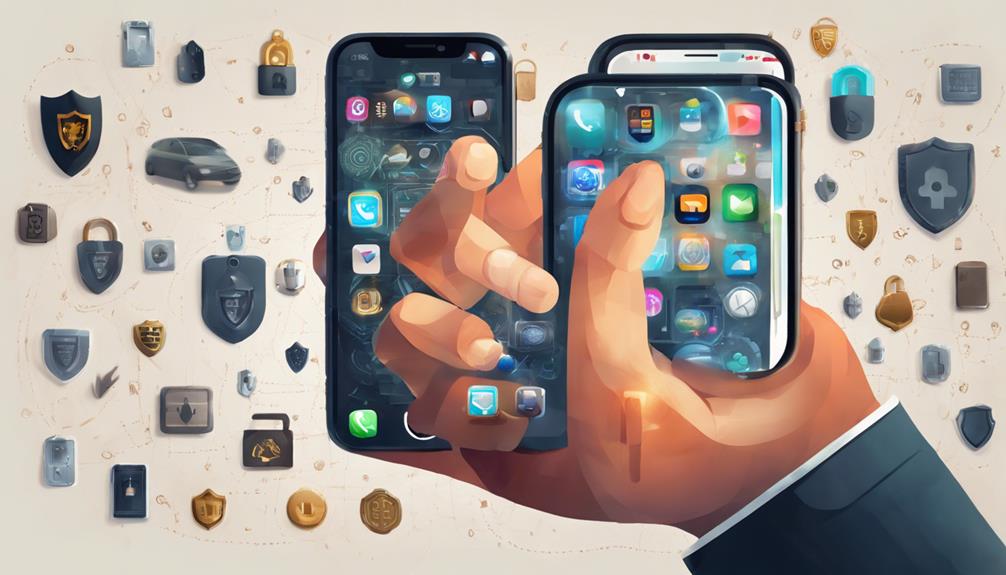
When it comes to securing your iPhone, utilizing secure messaging apps is essential. These apps encrypt your communications, ensuring that your messages are protected from potential threats. Implementing a VPN for privacy protection is another crucial step. VPNs safeguard your online activities by masking your IP address, making it difficult for hackers to track your online movements. Enabling biometric authentication adds an extra layer of protection. This feature uses unique physical characteristics, such as fingerprints or facial recognition, to ensure that only authorized users can access your device.
By incorporating these best practices for iPhone security, you can fortify your device against potential threats and safeguard your sensitive information effectively.
Implementing secure messaging apps, using a VPN for privacy protection, and enabling biometric authentication are essential steps to enhance your device's security.
These measures work together to create a robust defense against cyber threats and ensure that your personal data remains secure.
Secure Messaging Apps
Signal and WhatsApp stand out as top choices for secure messaging apps on the iPhone, providing robust end-to-end encryption for text, voice calls, and video chats to guarantee user privacy. These apps prioritize user security by implementing strong encryption protocols to safeguard communication.
When selecting secure messaging apps like Signal and WhatsApp, iPhone users can greatly enhance their device's protection against hackers. Here are some key points to keep in mind:
- End-to-End Encryption: Both Signal and WhatsApp offer end-to-end encryption for messages, calls, and media shared on the platforms.
- User Privacy: The focus on end-to-end encryption ensures that only the sender and receiver can access the content of the messages, enhancing user privacy.
- Strong Encryption Protocols: Signal and WhatsApp use robust encryption methods to secure communication, making it challenging for unauthorized parties to intercept or access the data.
- Enhanced iPhone Protection: By utilizing these secure messaging apps, iPhone users can establish an additional layer of security against potential cyber threats and data breaches.
VPN for Privacy
Using a VPN on your iPhone can greatly enhance privacy and security by encrypting your internet connection. This added layer of protection is vital, especially when connecting to public Wi-Fi networks where hackers may try to intercept your data.
Some of the top VPN apps for iPhone, such as ExpressVPN, NordVPN, and CyberGhost, offer secure browsing experiences, shielding your online activity from prying eyes. These VPNs not only encrypt your internet traffic but also help mask your IP address, making it harder for hackers to track your movements online.
Biometric Authentication
Biometric authentication, such as Face ID and Touch ID, stands as a robust security measure for iPhones, ensuring secure access to device features and applications.
Face ID utilizes advanced facial recognition technology, offering a 1 in 1,000,000 chance of a false match, notably reducing the risk of unauthorized access.
Touch ID scans and stores fingerprint data with a 1 in 50,000 chance of a false match, providing reliable security for accessing devices and conducting secure transactions.
Biometric data, whether facial features or fingerprints, remains securely stored on the device, enhancing user privacy by not being shared with external parties.
Common Iphone Hacking Methods
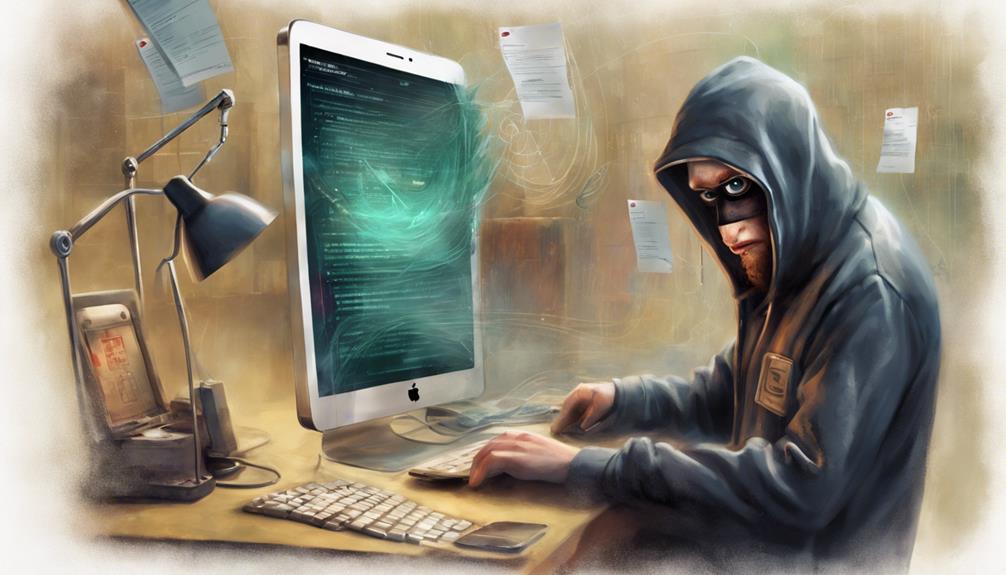
Hackers commonly employ various techniques to compromise the security of iPhones. One prevalent method is through malicious apps, where clicking on infected links or downloading compromised applications can lead to malware installation, especially on jailbroken devices.
Weak passwords also pose a significant risk, as they make iPhones susceptible to brute force attacks. Additionally, hackers target specific iOS vulnerabilities, exploiting weaknesses in certain versions of the operating system.
Another common tactic is through phishing scams, where users are tricked into divulging sensitive information. In addition, connecting to unsecured public Wi-Fi networks increases the likelihood of potential hacking attempts on iPhones.
It is important for users to be vigilant and cautious when using their devices, ensuring they have strong passwords, refrain from downloading suspicious apps, and avoid connecting to unsecured networks to enhance iPhone security.
Response to Iphone Hacking
In the event of an iPhone hacking incident, prompt action is vital to mitigate potential risks and safeguard your device and personal information. Here are four essential steps to take in response to an iPhone hack:
- Change all passwords immediately to secure your accounts and prevent further unauthorized access to your personal information.
- Remove any suspicious apps or software from your iPhone that may have been the entry point for the malicious activity.
- Enable two-factor authentication for your Apple ID account to add an extra layer of security and prevent unauthorized logins.
- Update your iPhone and all installed apps regularly to make sure you have the latest security patches and protection against vulnerabilities that hackers may exploit.
If you suspect your iPhone has been compromised, do not hesitate to contact Apple Support for guidance and assistance in addressing the hack effectively. Remember, swift action is key to minimizing the impact of an iPhone security breach and safeguarding your online privacy.
Frequently Asked Questions
How Will I Know if My Iphone Is Hacked?
If you suspect your iPhone is hacked, monitor for signs like unusual battery drainage, unauthorized apps, or odd behavior. Take immediate action by changing passwords, running malware scans, and contacting Apple Support for assistance.
Can Hackers See You Through Your Iphone?
Hackers cannot remotely access your iPhone's camera without successfully compromising your device. Apple implements robust security measures to safeguard against unauthorized camera access. Regular software updates and cautious app permissions help bolster your iPhone's defense against potential breaches.
Can You Protect Your Iphone From Hackers?
How can you protect your iPhone from hackers? Safeguard your device by updating iOS regularly, avoiding suspicious links or apps, using strong passwords, monitoring for unusual activity, and employing security features like Touch ID or Face ID.
Can an Iphone Be Hacked Easily?
An iPhone can be hacked through various means, including malicious links, infected apps, and iOS vulnerabilities. Despite Apple's security efforts, risks persist. Awareness, strong passwords, and regular updates are essential for enhancing iPhone security against hackers.
Conclusion
In summary, it is essential for iPhone users to be vigilant about their device's security to prevent hacking incidents.
According to a recent study by Symantec, over 70% of mobile devices are vulnerable to cyber attacks due to outdated software.
By taking proactive measures such as updating software regularly, using strong passwords, and being cautious of suspicious links, iPhone users can greatly reduce the risk of falling victim to hackers.
Halloween Picks
halloween
As an affiliate, we earn on qualifying purchases.