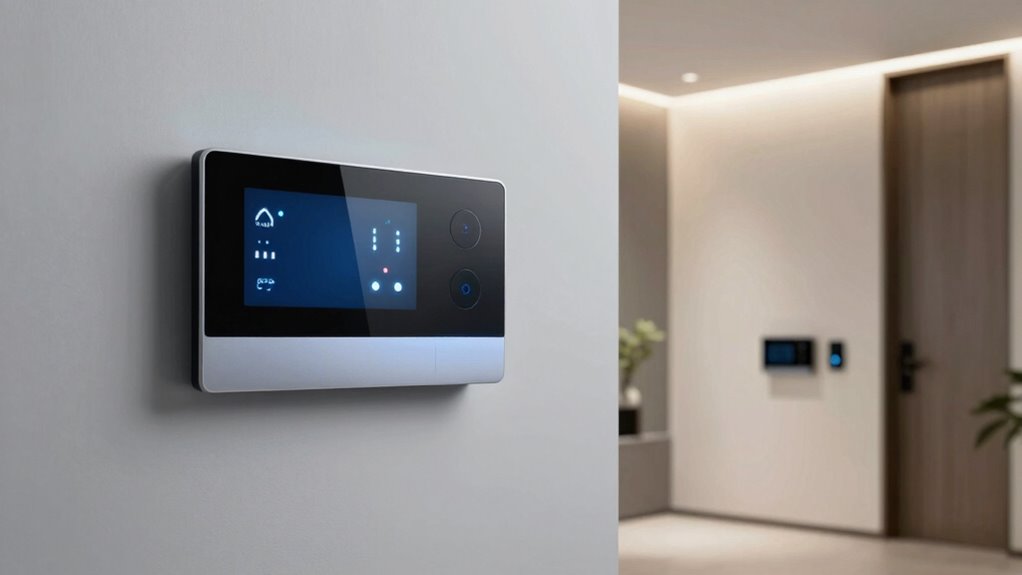
Modern smart home systems use encryption protocols to secure data like voice commands and camera feeds, making it hard for outsiders to intercept information. User authentication with passwords, biometric scans, or multi-factor methods guarantees only trusted people access your devices. Regular firmware updates, strong passwords, and separate networks help protect your system from cyber threats. Staying informed about emerging risks keeps your smart home secure. Keep exploring to understand more about how these security measures work together.
Key Takeaways
- Encryption protocols secure data transmission between devices and control servers, preventing interception by outsiders.
- User authentication methods like passwords, biometrics, and multi-factor verification restrict device access to trusted users.
- Regular firmware updates patch vulnerabilities and enhance system resilience against cyber threats.
- Strong, unique passwords and network segmentation protect smart devices from unauthorized access and attacks.
- Staying informed about emerging threats and practicing good security hygiene maintains a secure smart home environment.
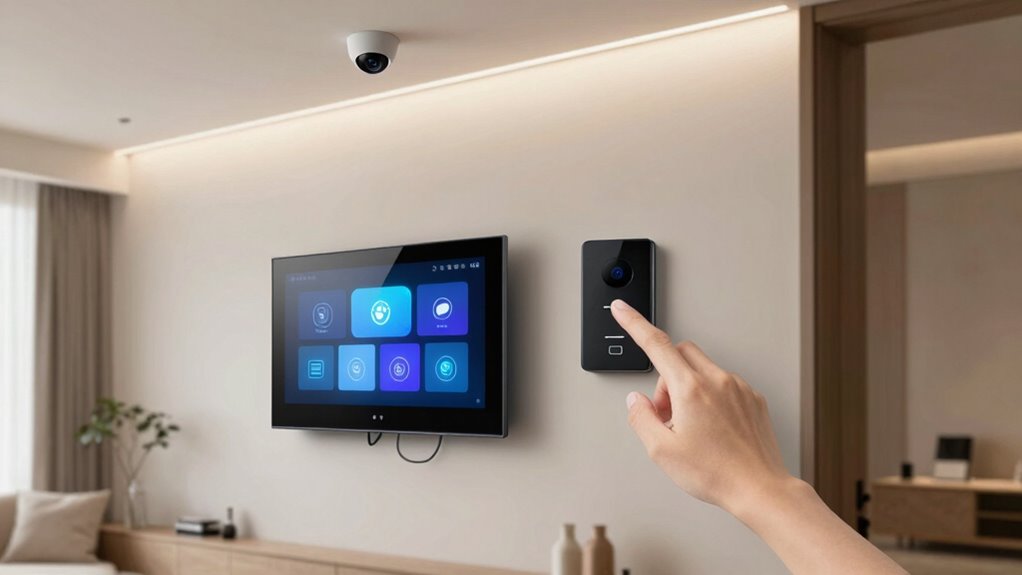
Have you ever wondered what keeps your smart home safe from cyber threats and unauthorized access? It all comes down to foundational security measures that work behind the scenes to protect your devices and data. One of the most essential components is encryption protocols. These protocols secure the communication between your smart devices and their control servers, preventing outsiders from intercepting sensitive information. When your smart home gadgets transmit data—whether it’s a voice command or a security camera feed—encryption scrambles that information, making it unreadable to anyone who doesn’t have the proper decryption key. This way, even if a hacker intercepts the data, they can’t make sense of it, ensuring your privacy remains intact.
Encryption protocols protect your smart home data from hackers by scrambling information during transmission.
Alongside encryption, user authentication plays a critical role in keeping your smart home safe. User authentication verifies that only authorized individuals can access and control your devices. This process often involves passwords, PINs, biometric scans, or multi-factor authentication methods. By requiring multiple layers of verification, your smart home system markedly reduces the risk of unauthorized access. For example, a simple password might be enough to log into your smart lighting app, but adding biometric verification—like fingerprint or facial recognition—creates an extra barrier for intruders. Strong user authentication not only protects your devices but also keeps your personal information private, ensuring that only trusted users can change settings or view sensitive data.
Good security practices don’t stop with encryption and user authentication. Regular firmware updates are essential because they patch vulnerabilities that hackers might exploit. Manufacturers release these updates to fix security flaws and improve overall system resilience. You should also change default passwords on new devices and avoid using easily guessable passwords. Creating complex, unique passwords for each device or service helps prevent brute-force attacks. Additionally, setting up a separate network for your smart devices—distinct from your main home Wi-Fi—adds an extra layer of protection by isolating your gadgets from other devices that might be more vulnerable. Understanding encryption protocols and their importance can help you better appreciate how your devices stay secure. Being aware of emerging cyber threats can further empower you to take proactive security measures. Implementing best security practices ensures that your smart home remains resilient against evolving cyber risks.
Finally, staying informed about new security threats is essential. Cybercriminals continually develop new methods to breach smart home systems, so keeping your system updated and practicing good security hygiene is a must. By understanding how encryption protocols and user authentication work together, you’re better equipped to protect your smart home from potential threats. These measures form the backbone of a secure environment, giving you peace of mind that your connected home remains private, safe, and resilient against cyber attacks.

GNCC 2K Security Cameras 4pcs, Home Security Camera Indoor with 360° Motion Detection for Pets/Baby/Dog, Two-Way Audio, Night Vision, 24/7 SD Card Storage, Cloud Storage, Compatible with Alexa
- High-Resolution Video: 2K FHD quality with night vision
- 360° Pan/Tilt Coverage: Smart 355° horizontal and 90° vertical rotation
- Motion Detection Alerts: Instant notifications for movement detection
As an affiliate, we earn on qualifying purchases.
As an affiliate, we earn on qualifying purchases.
Frequently Asked Questions
How Do Smart Home Systems Handle Data Privacy?
Smart home systems handle data privacy by using strong data encryption, ensuring your information stays secure during transmission and storage. They also rely on user authentication, like passwords or biometrics, to verify your identity before granting access. By combining these measures, your personal data remains protected from unauthorized access, giving you peace of mind that your smart home devices and information are safe from potential threats.
What Are the Costs Associated With Advanced Security Features?
The costs for advanced security features vary based on the system’s complexity and your customization needs. You’ll find a cost comparison between basic and premium packages helpful, as higher-tier options often include enhanced features like facial recognition or smart surveillance. Keep in mind, feature customization can add to the expense but allows you to tailor your system to your specific security requirements, ensuring you get the best value for your investment.
Can Smart Home Security Systems Be Hacked Remotely?
Yes, smart home security systems can be hacked remotely if vulnerabilities exist. For example, hackers might exploit weak encryption protocols or poor user authentication methods to access your devices. If your system uses outdated encryption or has simple passwords, they could bypass security and gain control. To prevent this, guarantee your system employs robust encryption protocols and strong user authentication, keeping your smart home safer from remote attacks.
How Often Should Security Software Be Updated?
You should update your security software as soon as updates become available, ideally at least once a month. Regular updates guarantee your system benefits from the latest firmware patches and security improvements. Also, practice good password management by changing passwords periodically and using strong, unique ones. These steps help protect your smart home from potential breaches, keeping your devices and data secure against evolving cyber threats.
What Are the Backup Options if the Internet Goes Down?
When your internet drops, backup options become crucial. You can rely on offline authentication, which allows you to access your system without internet connection, and local storage, where data and controls are saved directly on your device. This dual approach guarantees continuous security and control, even offline. By preparing for power and network pauses, you preserve safety and stability, preventing potential problems and peace of mind.

Philips WiFi Keypad Door Lock with Handle, Built-in WiFi, APP Remote Control, Voice & Fingerprint Unlock, Smart Locks for Front Door with Auto Lock, Digital Front Door Lock Set, Keyless Entry Deadbolt
- WiFi Connectivity: Connects directly to 2.4GHz WiFi without hub
- Remote App Control: Manage lock remotely via Philips Home Access App
- Real-Time Access Monitoring: Check lock status and access history anytime
As an affiliate, we earn on qualifying purchases.
As an affiliate, we earn on qualifying purchases.
Conclusion
By understanding the security basics behind smart home systems, you build a fortress as sturdy as a castle wall, shielding your sanctuary from digital intruders. Staying vigilant, updating firmware, and using strong passwords are your trusty guards, keeping your connected world safe. Remember, a well-protected smart home is like a lighthouse in a storm — guiding you safely through the night, ensuring your peace of mind remains unshaken amidst the waves of cyber threats.

Yubico – YubiKey 5C NFC – Multi-Factor authentication (MFA) Security Key and passkey, Connect via USB-C or NFC, FIDO Certified – Protect Your Online Accounts
- Security Type: Multi-Factor Authentication (MFA)
- Compatibility: Works with 1000+ accounts
- Connection Options: USB-C and NFC
As an affiliate, we earn on qualifying purchases.
As an affiliate, we earn on qualifying purchases.

TP-Link Deco 7 Pro BE63 Tri-Band WiFi 7 BE10000 Whole Home Mesh System- 6-Stream 10 Gbps, 4×2.5G Ports Wired Backhaul, 4X Smart Internal Antennas, VPN, HomeShield, Free Expert Support (2-Pack)
- Whole Home Coverage: Covers up to 5,800 sq.ft.
- High-Speed Wi-Fi 7: Up to 5,188 Mbps on 6 GHz
- Future-Ready 10G Port: Supports 10G WAN/LAN connections
As an affiliate, we earn on qualifying purchases.
As an affiliate, we earn on qualifying purchases.



![Paged Out #9 [Pdf]](https://hacknjill.com/wp-content/uploads/2026/07/paged-out-9-pdf-featured-260x140.jpg)